WordPress plugin for health clinics
GT Clinic Appointments
Appointment requests for clinics: treatments with their own length, daily limits, statuses and a status page for patients.
The plugin is free and complete on its own. The Pro add-on is from $29 for 1 site, with a year of updates and 24/7 support. Works with any theme.
 (opens in a new tab)
Features
What GT Clinic Appointments does
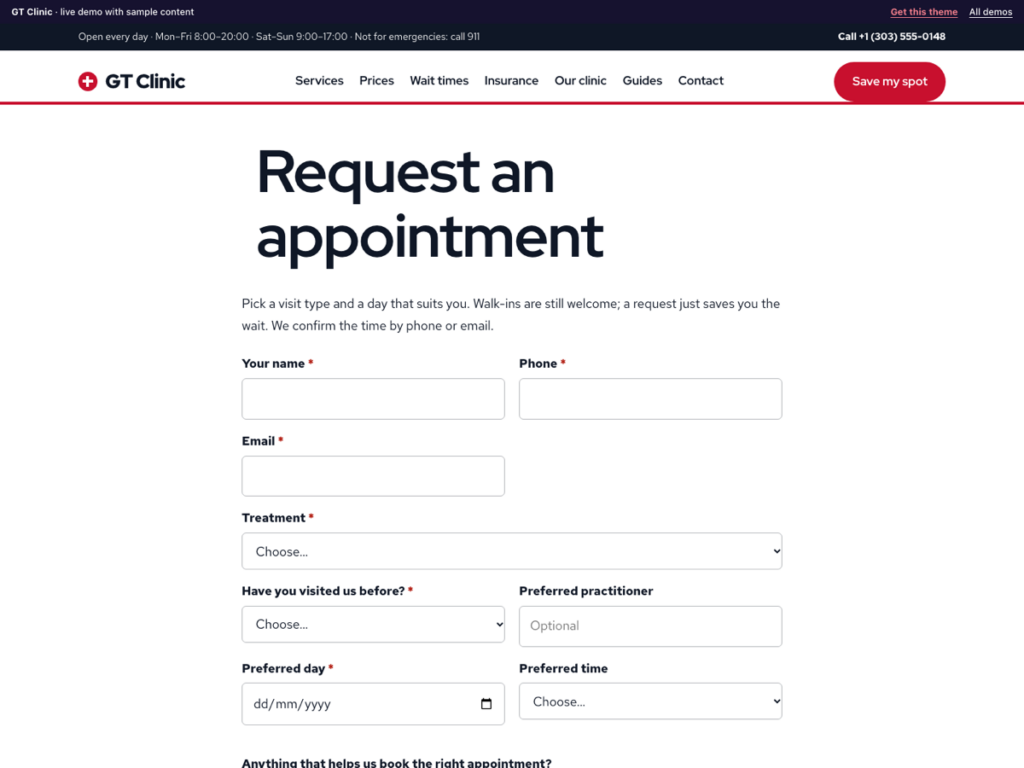
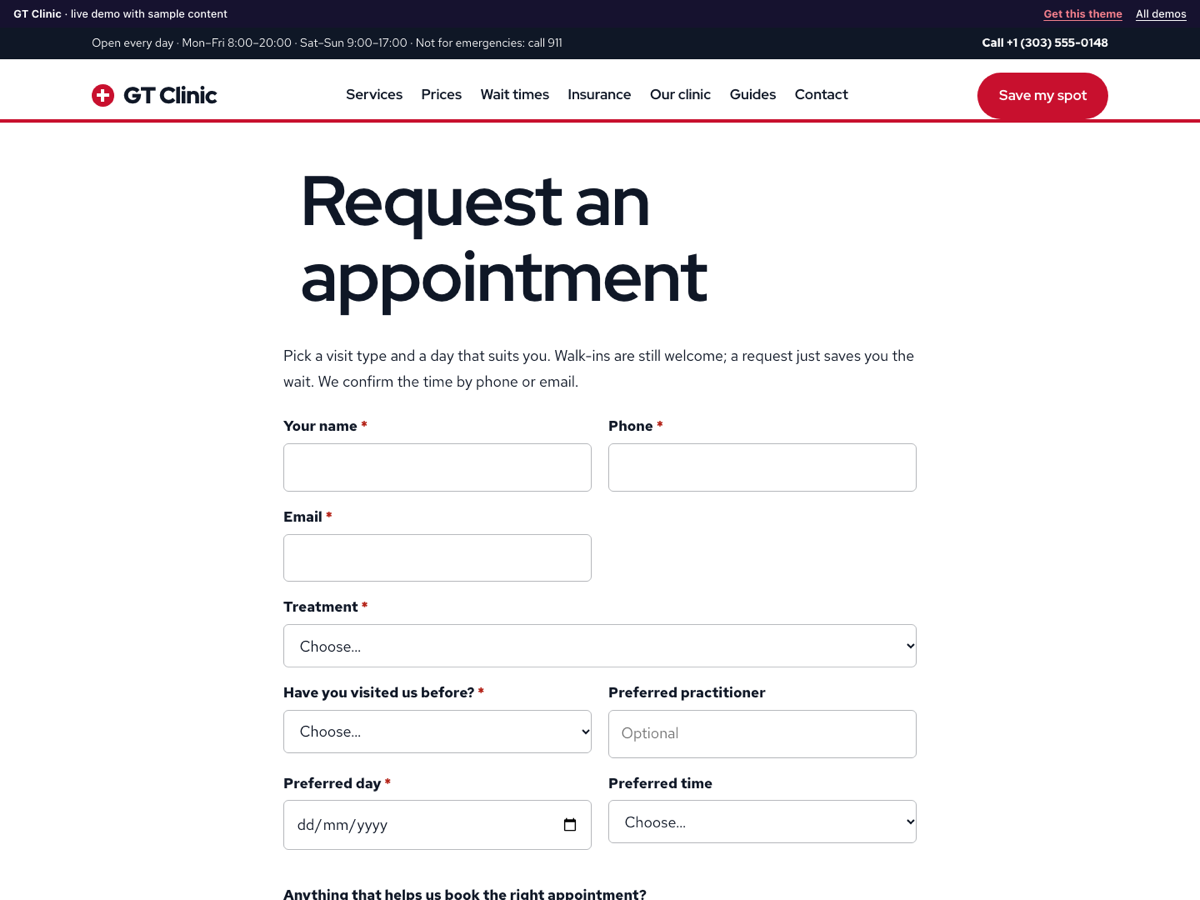
GT Clinic Appointments gives a dental practice, physiotherapy or family clinic an appointment request form that asks only what the front desk needs to book: the treatment, new or returning patient, the preferred day and time and a preferred practitioner. Requests arrive in your dashboard and by email, you confirm or offer a new time, and patients can check their appointment with their reference. It stores no medical records.
Free plugin
- Appointment request block and [gtca_form] shortcode with treatment, new or returning patient, preferred day, time and practitioner.
- Treatments with their own length and price, listed in the form.
- Daily appointment limit, closed days, earliest and latest date: full and closed days cannot be chosen.
- Appointments screen with statuses: Requested, Confirmed, New time offered, Attended, Missed, Cancelled.
- Emails: new request to you, confirmation to the patient, and an update when it is confirmed, moved or cancelled.
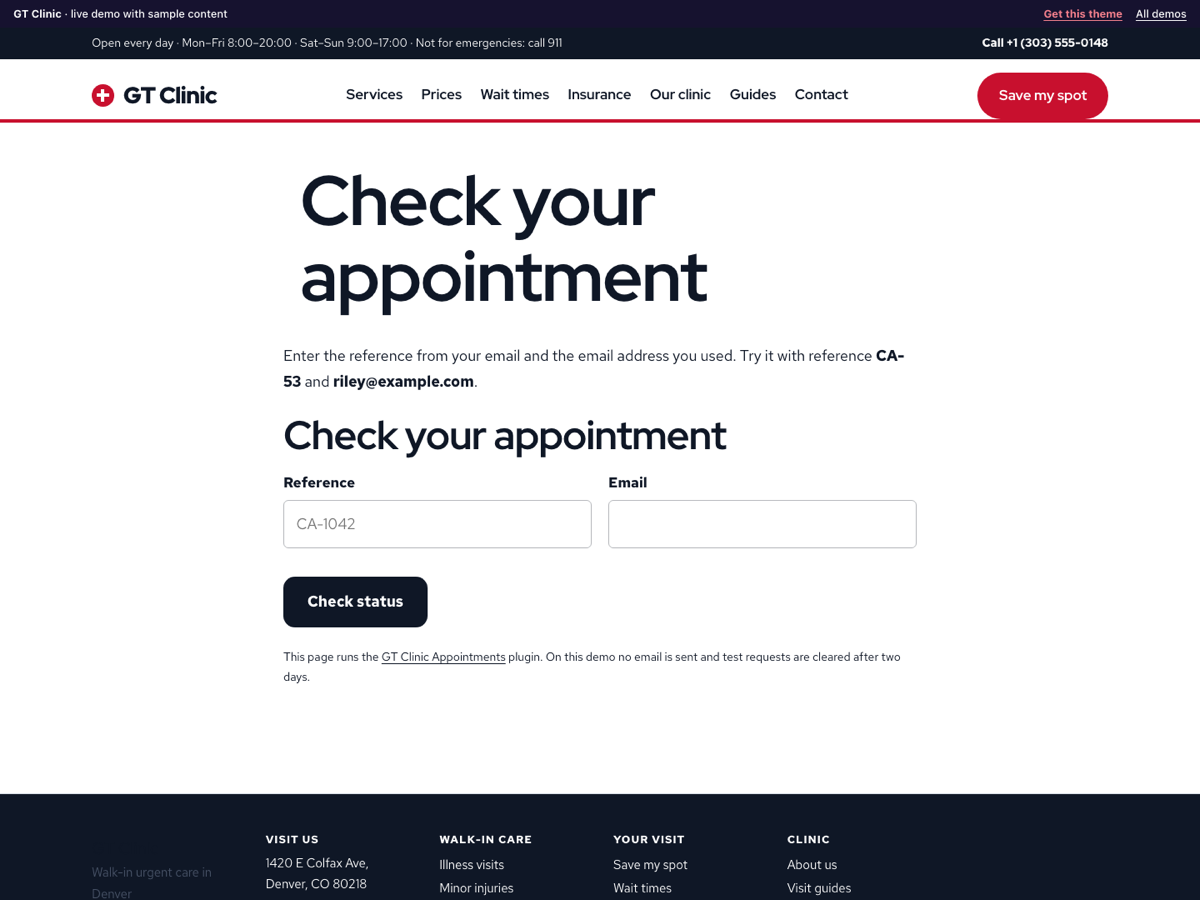
- Appointment status block and [gtca_status] shortcode: patients enter their reference and email to see the status and your note.
- No medical records: the form asks patients to leave health details out, and nothing is sent to an outside service.
- Spam protection without a captcha, optional consent checkbox, personal data export and erase, and everything removed when you delete the plugin.
GT Clinic Appointments Pro adds
- Schedule: give each appointment a practitioner, a room and a start time, and see the week at a glance.
- Move an appointment to another day from the appointment screen.
- Reminder email to the patient the day before every confirmed appointment.
- Edit the patient emails, with placeholders for name, reference, date, treatment, status and note.
- CSV export of appointments for any date range.
Live demo
Try it on a real theme
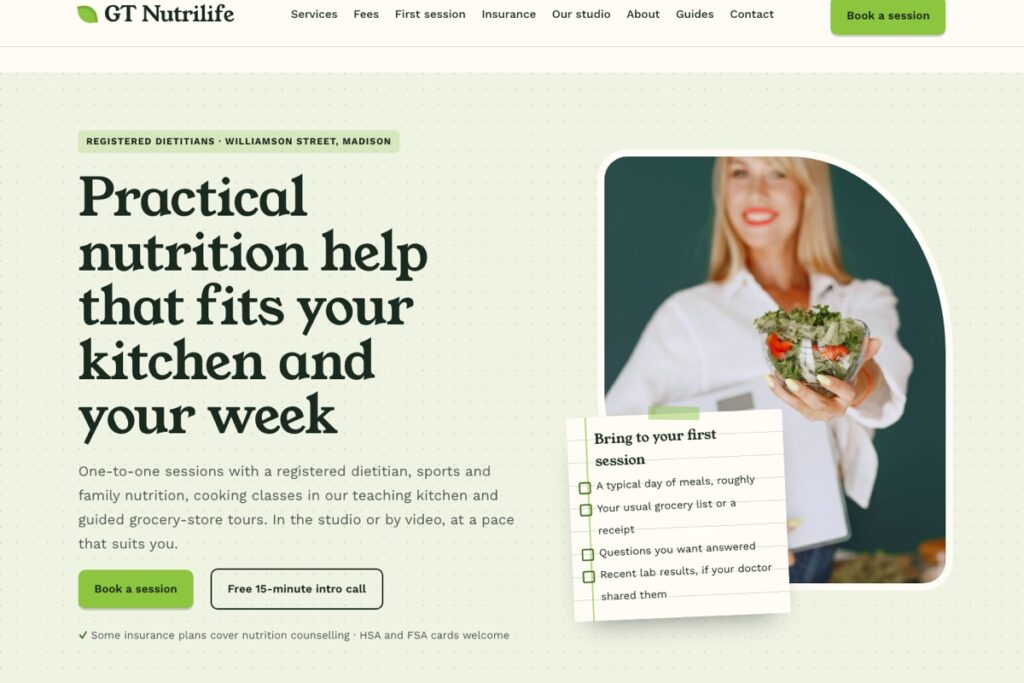
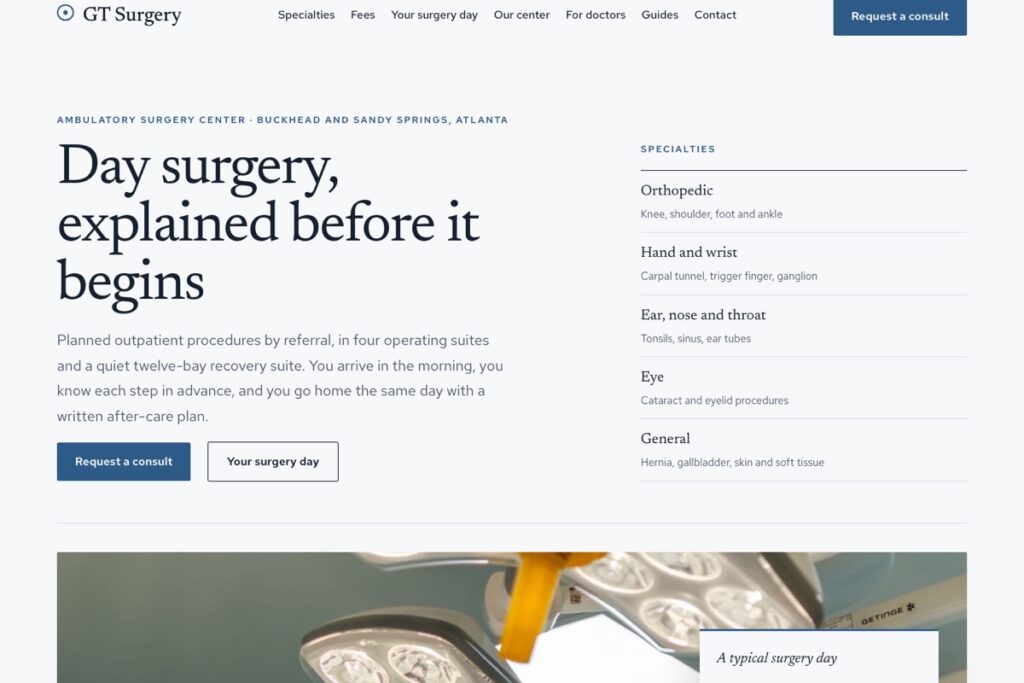
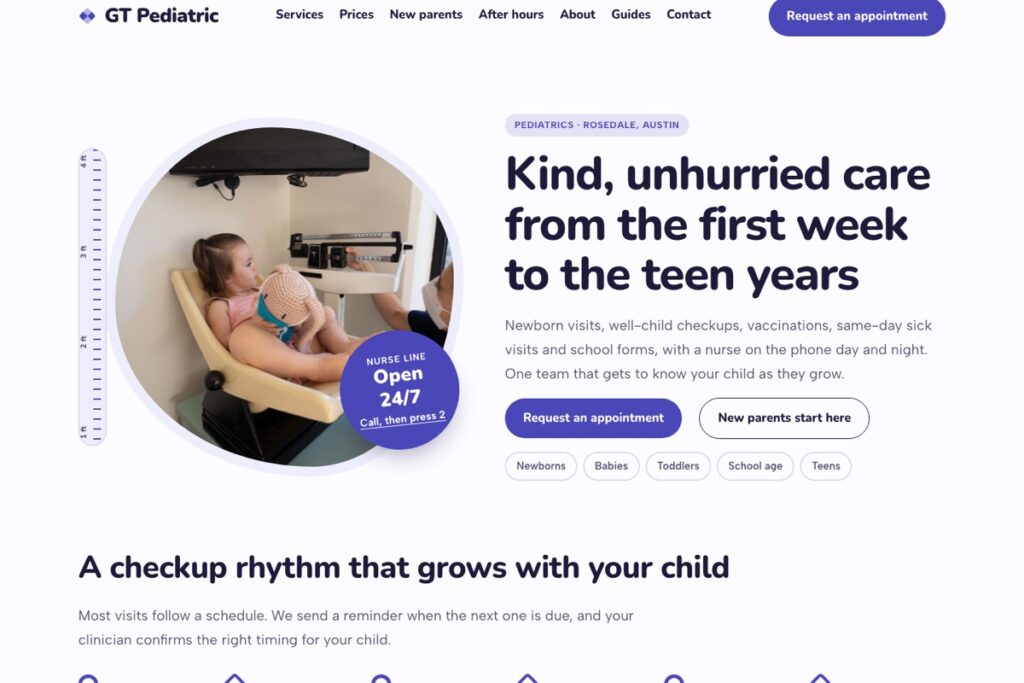
Works with any theme. It was made alongside GT Clinic, GT Enamel, GT Stride and the other GalussoThemes clinic themes, which already have an appointment page ready for it. On the demo no email is sent and test entries are cleared after two days.
Screenshots
Get it
Get GT Clinic Appointments
Free
$0
The complete plugin for your site.
- Everything in the free plugin, nothing locked
- Works with any theme
- Help from the docs and the support chat
Pro · 1 site
$29
For your own business website.
- The Pro add-on plus the free plugin
- Licence key for 1 website
- 1 year of updates and support
- 24/7 support chat and tickets
Pro · 5 sites
$49
For agencies and owners with several locations.
- The Pro add-on plus the free plugin
- Licence key for 5 websites
- 1 year of updates and support
- 24/7 support chat and tickets
The free download needs a free account so you can download it again later. Prices in US dollars, paid once. Local and staging sites do not count towards your sites. Updates stop after a year unless you renew at the regular price; the plugin keeps working. See the refund policy.
Set up
Running in five minutes
- In Plugins → Add New, search for "GT Clinic Appointments", or upload the zip, then activate it.
- Go to Appointments → Treatments and add your treatments, with length and price.
- Go to Appointments → Settings: set the email for new requests, appointments per day and the days you are closed.
- Add the "Appointment request" block to your booking page, and the "Appointment status" block to another page.
More answers in the documentation, or ask the support chat.
Is it a full online calendar?
No. Patients request a day and a time of day, and your front desk confirms the exact time. That keeps your practice software as the one real diary.
Does it store medical information?
No. The form asks only for contact details, the treatment and timing, and tells patients to leave health details out. Requests are private posts only staff can see.
Can patients cancel or move an appointment?
They check the status page and call or email you. When you set the status to New time offered, the patient gets an email with your note.
How do I stop a day from filling up?
Set "Appointments per day" in Settings. When a day has that many active requests, it can no longer be chosen.
Do I need the Pro add-on?
No. The free plugin is complete and has no limits. Pro adds the extra tools listed above for busier businesses; install it next to the free plugin.
Does it work with my theme?
Yes. The form and status blocks use your theme's fonts and colours, and the shortcodes work in any editor. The Galusso themes for this trade were designed alongside it.