WordPress plugin for nonprofits & community
GT Donations & Events
Donations, volunteer sign-ups and event RSVPs for local groups: places left, waiting list and a link to your giving page.
The plugin is free and complete on its own. The Pro add-on is from $29 for 1 site, with a year of updates and 24/7 support. Works with any theme.
 (opens in a new tab)
Features
What GT Donations & Events does
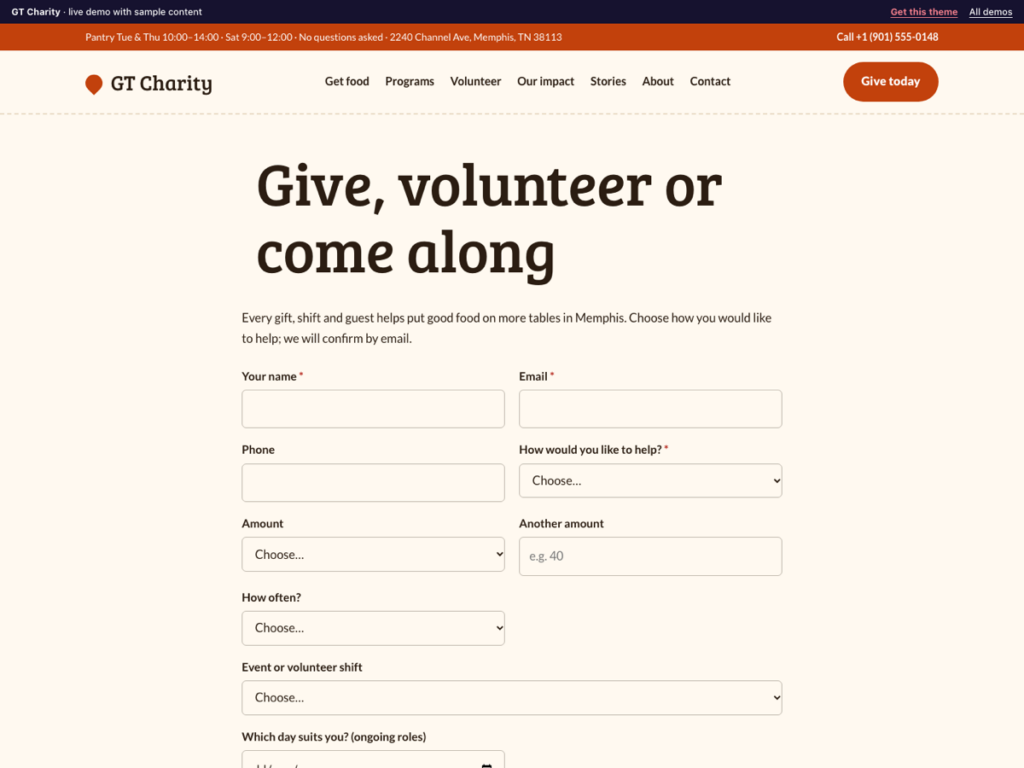
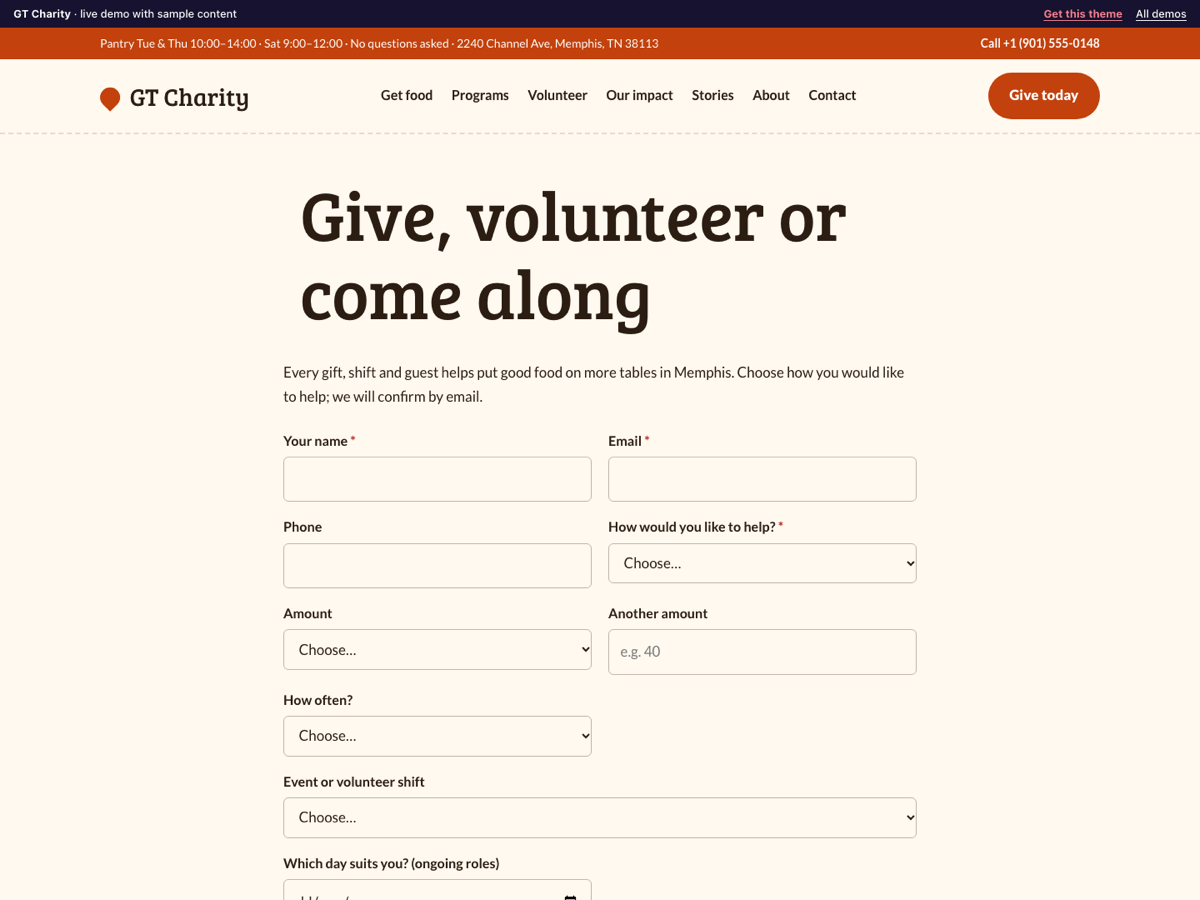
GT Donations & Events gives a charity, food bank, community group or club one form for the three ways people help: giving, volunteering and coming along. Donors pick an amount and are sent on to the giving page you already use; volunteers and guests pick a shift or event and see how many places are left. When a shift is full, new sign-ups join a waiting list. Everything arrives in your dashboard and by email.
Free plugin
- Support form block and [gtde_form] shortcode: give, volunteer or RSVP in one form, showing only the fields each one needs.
- Suggested donation amounts, "another amount" and one-off or monthly, set in Settings.
- After a donation request, a "Complete your gift" button to your own giving page. The plugin takes no payments itself, so no fees and no card data on your site.
- Events and volunteer shifts with a date, time and number of places; the form shows places left.
- Waiting list: when a shift or event is full, new sign-ups are saved with the Waiting list status and told so.
- Statuses: Received, Confirmed, Waiting list, Thank-you sent, Completed, Cancelled, with emails at each step you choose.
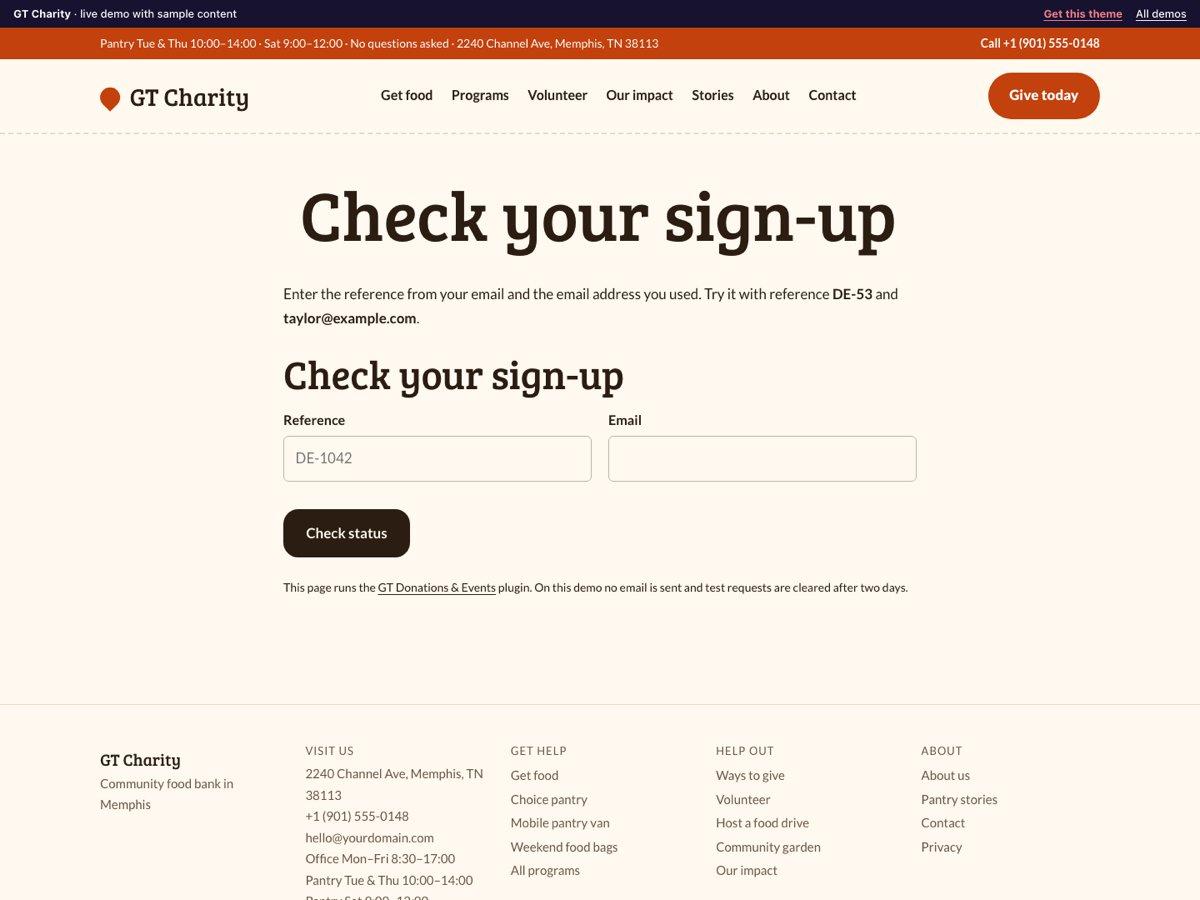
- Sign-up status block and [gtde_status] shortcode: supporters enter their reference and email to see their place.
- Spam protection without a captcha, optional consent checkbox, personal data export and erase.
GT Donations & Events Pro adds
- Schedule: give each sign-up a coordinator, a location and a time, and see the week at a glance.
- Move a sign-up to another day from its screen.
- Reminder email the day before every confirmed event or shift.
- Edit the supporter emails, with placeholders for name, reference, date, event, status and note.
- Supporter CSV export for any date range, with amounts, events and shifts.
Live demo
Try it on a real theme
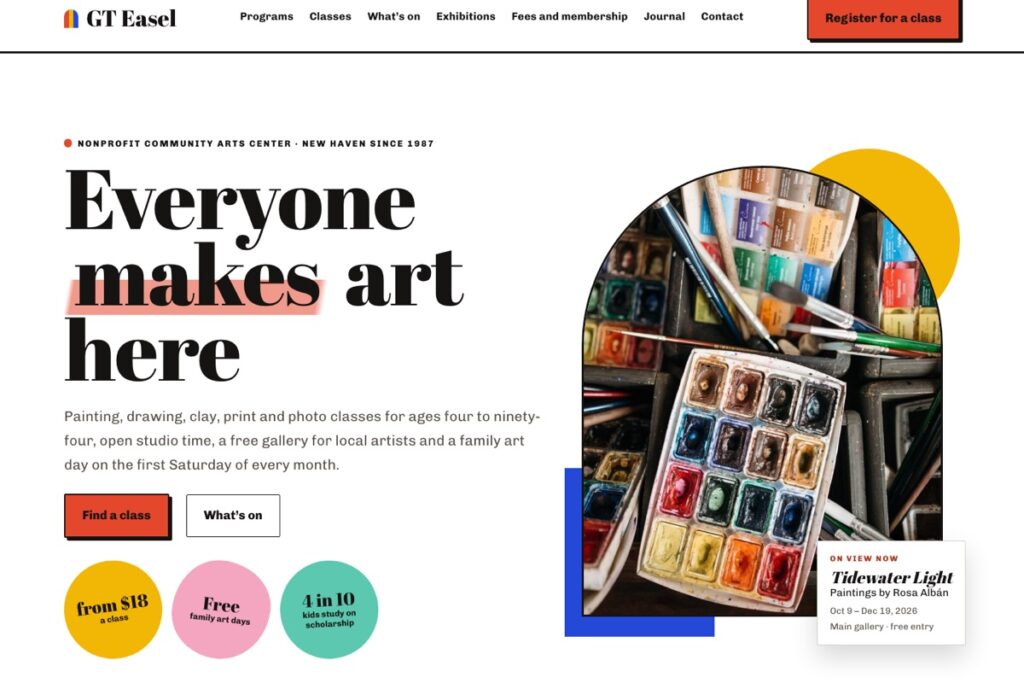
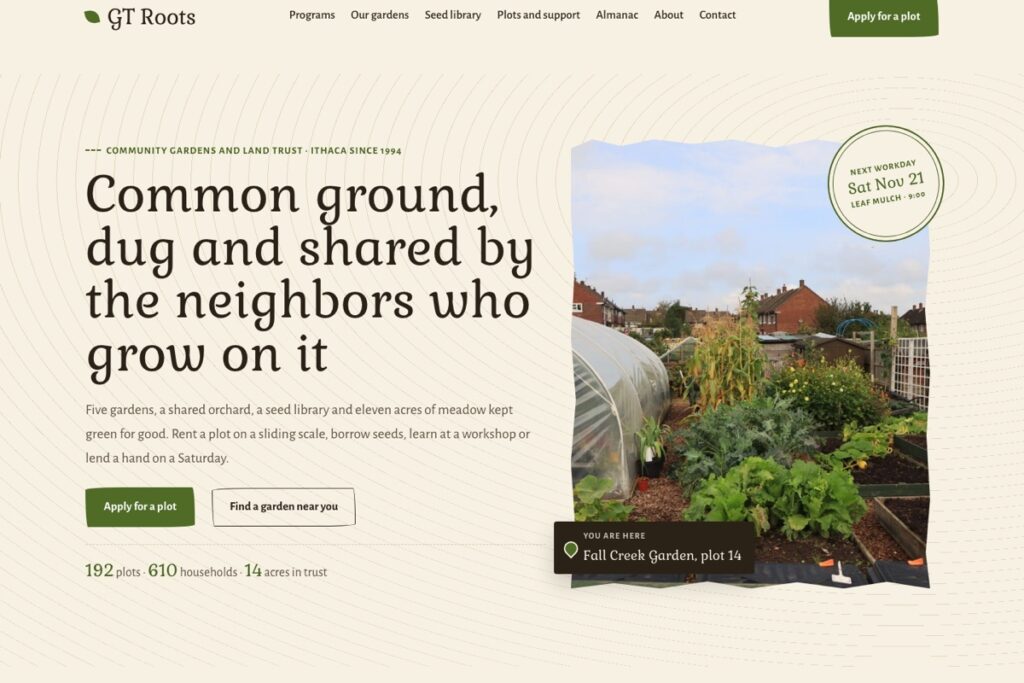
Works with any theme. It was made alongside GT Charity, GT Haven, GT Commons and the other GalussoThemes nonprofit themes. On the demo no email is sent and test entries are cleared after two days.
Screenshots
Get it
Get GT Donations & Events
Free
$0
The complete plugin for your site.
- Everything in the free plugin, nothing locked
- Works with any theme
- Help from the docs and the support chat
Pro · 1 site
$29
For your own business website.
- The Pro add-on plus the free plugin
- Licence key for 1 website
- 1 year of updates and support
- 24/7 support chat and tickets
Pro · 5 sites
$49
For agencies and owners with several locations.
- The Pro add-on plus the free plugin
- Licence key for 5 websites
- 1 year of updates and support
- 24/7 support chat and tickets
The free download needs a free account so you can download it again later. Prices in US dollars, paid once. Local and staging sites do not count towards your sites. Updates stop after a year unless you renew at the regular price; the plugin keeps working. See the refund policy.
Set up
Running in five minutes
- In Plugins → Add New, search for "GT Donations & Events", or upload the zip, then activate it.
- Go to Donations & Events → Events & shifts and add your events and volunteer shifts, with date, time and places.
- Go to Donations & Events → Settings: set the email for new sign-ups, suggested amounts and the link to your giving page.
- Add the "Support form" block to your Get involved page, and the "Sign-up status" block to another page.
More answers in the documentation, or ask the support chat.
Does it take donations by card?
No. It records the pledge and sends the donor to the giving page you already use, such as your payment provider or donation platform. Your site never handles card details.
What happens when a shift is full?
New sign-ups for it are saved with the Waiting list status and told so on the thank-you message. If someone cancels, confirm the next person on the list.
Can I take ongoing volunteers, not just shifts?
Yes. Add a role without a date, such as "Delivery driver"; volunteers choose a day that suits them.
Can I export supporters?
Personal data export and erase work from Tools for one person. A full CSV of supporters is part of the Pro add-on.
Do I need the Pro add-on?
No. The free plugin is complete and has no limits. Pro adds the extra tools listed above for busier businesses; install it next to the free plugin.
Does it work with my theme?
Yes. The form and status blocks use your theme's fonts and colours, and the shortcodes work in any editor. The Galusso themes for this trade were designed alongside it.