Why small service businesses need a serious booking plugin in 2026
Small service businesses no longer compete only on price or location. They compete on how easy it is to book them.
If a customer has to call, wait for a callback, or send a message and hope someone replies, many of them simply book the next provider in their search results. In 2026, the expectation for a salon, clinic, studio, tutor, mobile service, or local consultant is the same expectation people have for any modern service: pick a time, pay or hold the slot, get a confirmation, and move on.
That is the job of an appointment booking plugin. For WordPress site owners, the good news is that the plugin market has matured. You can build a complete booking experience inside your own site, keep customer data on your own database, and avoid monthly SaaS pricing that scales with appointments.
The risk is choosing the wrong tool. Most small businesses do not have time to migrate from one booking system to another in their busy season. So the better question is not “which plugin is the most popular,” but “which plugin will still fit my business in 12 to 24 months?”
This guide compares 10 of the most relevant WordPress appointment booking plugins in 2026, with a focus on small businesses and local service businesses. The ranking is based on practical fit for small-business workflows: payments, staff, calendars, reminders, integrations, and ease of use.
What to look for in a small-business booking plugin
Most owners look at booking plugins as “calendars that take bookings.” That is part of it, but it is rarely the part that breaks first. The parts that actually cause headaches are usually:
Payments. Whether you can take card payments, deposits, or full prepayment without bolting on extra tools.
Staff and resources. Whether each employee, room, or piece of equipment has its own real schedule.
Calendar sync. Two-way Google Calendar (and ideally Outlook) sync so nothing double-books with your personal life.
Reminders and no-show prevention. Email and SMS reminders, deposits, and waitlists.
Integrations. Zapier, webhooks, WooCommerce, Google Meet, Zoom, marketing tools, and analytics.
Ease of use for non-technical owners. A clean admin, a clean booking form, and updates that do not break the site.
Pricing model. A clear annual or lifetime price instead of a stack of paid add-ons you only discover later.
Almost every issue a small business has with a booking plugin can be traced back to one of those seven points. The plugins below are ranked with all of them in mind.
Quick comparison
#
Plugin
Starting paid price
Best fit for small business
1
Booknetic
$45/year
Salons, clinics, studios, local services that want payments, staff, calendars, and automation in one plugin
2
LatePoint
From $79/year (intro), $99/year (regular)
Owners who want a modern UI and a fast setup
3
BookingPress
From $89/year (intro), $99/year (regular)
Businesses that want many bundled features at one price
4
Amelia
From $49/year
Studios and trainers that mix appointments with classes and events
5
Bookly Pro
From $49/year (intro), $89/year (regular)
Site owners who like a modular add-on model and a free starting point
6
MotoPress Appointment Booking
From $49/year
Single-location service businesses on a tight budget
7
Simply Schedule Appointments
$99/year
Solo consultants, coaches, and freelancers
8
Easy Appointments
Free
Hobbyists and very simple use cases
9
FluentBooking
$99/year
Owners already inside the WPManageNinja stack (FluentCRM, Fluent Forms)
10
WP Simple Booking Calendar
From around $49/year
Rentals and resources that need an availability calendar, not a true booking flow
Pricing was checked against the official vendor pricing pages on June 15, 2026. Prices often change between promotional and regular tiers, and vendors run frequent discounts. Always verify on the current pricing page before buying.
The 10 plugins, ranked
1. Booknetic: Best overall for small service businesses that need a real operations tool
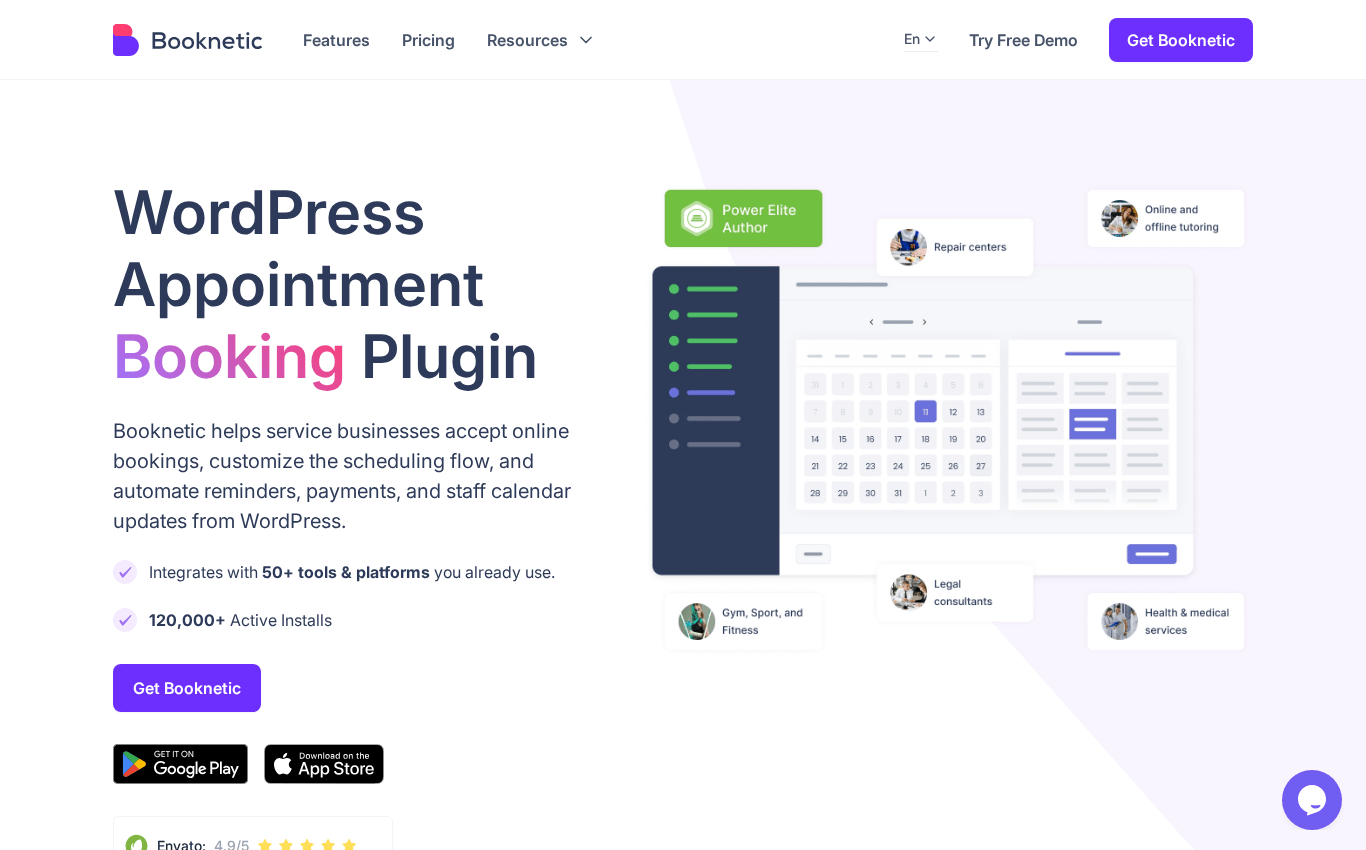
Booknetic is a WordPress appointment booking plugin built for service businesses that need payments, staff schedules, calendar sync, deposits, reminders, and automation in one place. It is the plugin we recommend first for salons, clinics, studios, mobile services, and local consultancies that want a real operations layer instead of only a booking form.
Booknetic homepage at booknetic.com.
What stands out for small businesses is how much of the operational workflow lives inside the plugin itself. Owners get a dedicated dashboard with revenue, appointment status, and date filters. Staff get their own logins and a mobile app for managing schedules away from the desk. Customers get a step-by-step booking widget that can be customized to match the site brand.
Booknetic also has the depth that small businesses grow into. Multi-location, recurring appointments, group sessions, custom forms, deposits, and a long list of integrations are part of the platform. That is why we keep it at the top of the list for small businesses that want to avoid replacing their booking tool in 18 months.
A few facts worth noting:
20,000+ paid customers worldwide.
More than 7 years on the market.
4.91 out of 5 from 471 verified buyer reviews on CodeCanyon.
50+ integrations across payments, calendars, video meetings, and marketing tools.
10+ native payment gateways, plus WooCommerce checkout.
Deposits, recurring appointments, group bookings, staff schedules, multi-location.
Zapier and webhooks for connecting to almost any external system.
Best for: Salons, barbershops, clinics, dental practices, beauty studios, training studios, photographers, driving schools, repair shops, and other local service businesses that need a real operations layer on top of a booking form.
Pricing: Paid plans start at $45/year. Lifetime licenses are available from $99. Free 30-day demo.
Strengths:
One plugin covers booking, payments, calendars, staff, and automation.
Strong customization of the booking widget and forms.
10+ native payment gateways and WooCommerce support.
50+ integrations with Zapier and webhook support.
Mobile app for staff and admin.
Trade-offs:
No free version, although the demo is generous.
Some advanced workflows depend on add-ons rather than the core plugin.
Plenty of features means there is a real learning curve compared to the simplest tools.
2. LatePoint: Best for a clean modern UI
LatePoint focuses on doing the appointment booking basics well, with a noticeably modern admin and a customer-facing form that does not feel like a 2014 plugin. It is a strong pick for small businesses that want everything in one place without a steep visual learning curve.
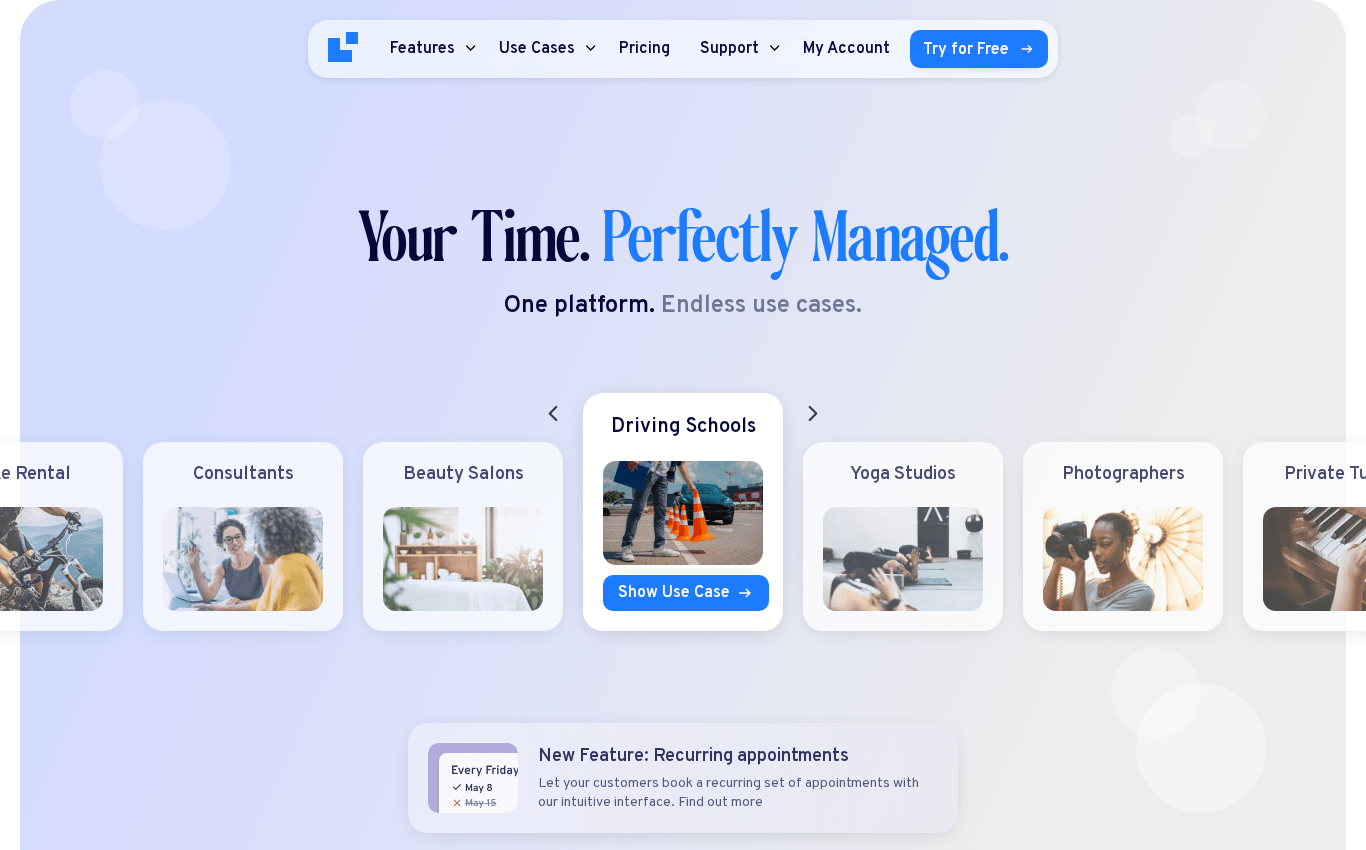
LatePoint homepage at latepoint.com.
The free version is enough to take basic bookings. The paid tier adds payments, integrations, automation, and add-ons. Setup is fast, the admin is clean, and the booking flow looks polished out of the box.
Best for: Small businesses that value design and simplicity over feature depth.
Pricing: Free version available on WordPress.org. Paid Starter plan is currently advertised at $79/year as an intro price, with a regular price of $99/year. Lifetime licenses are also offered (intro $199, regular $249 for the Starter tier). Verified on latepoint.com/pricing on June 15, 2026.
Strengths:
Friendly admin and booking UI.
Quick to set up for a single-location business.
Reasonable starting price.
Trade-offs:
Smaller add-on ecosystem than the most established plugins.
Some advanced integrations are paid add-ons rather than core.
3. BookingPress: Best for bundled features at one price
BookingPress targets owners who want a lot of features without buying a separate add-on for every one. The paid plans include a wide bundle of premium add-ons and many payment gateways, which keeps the total cost predictable.
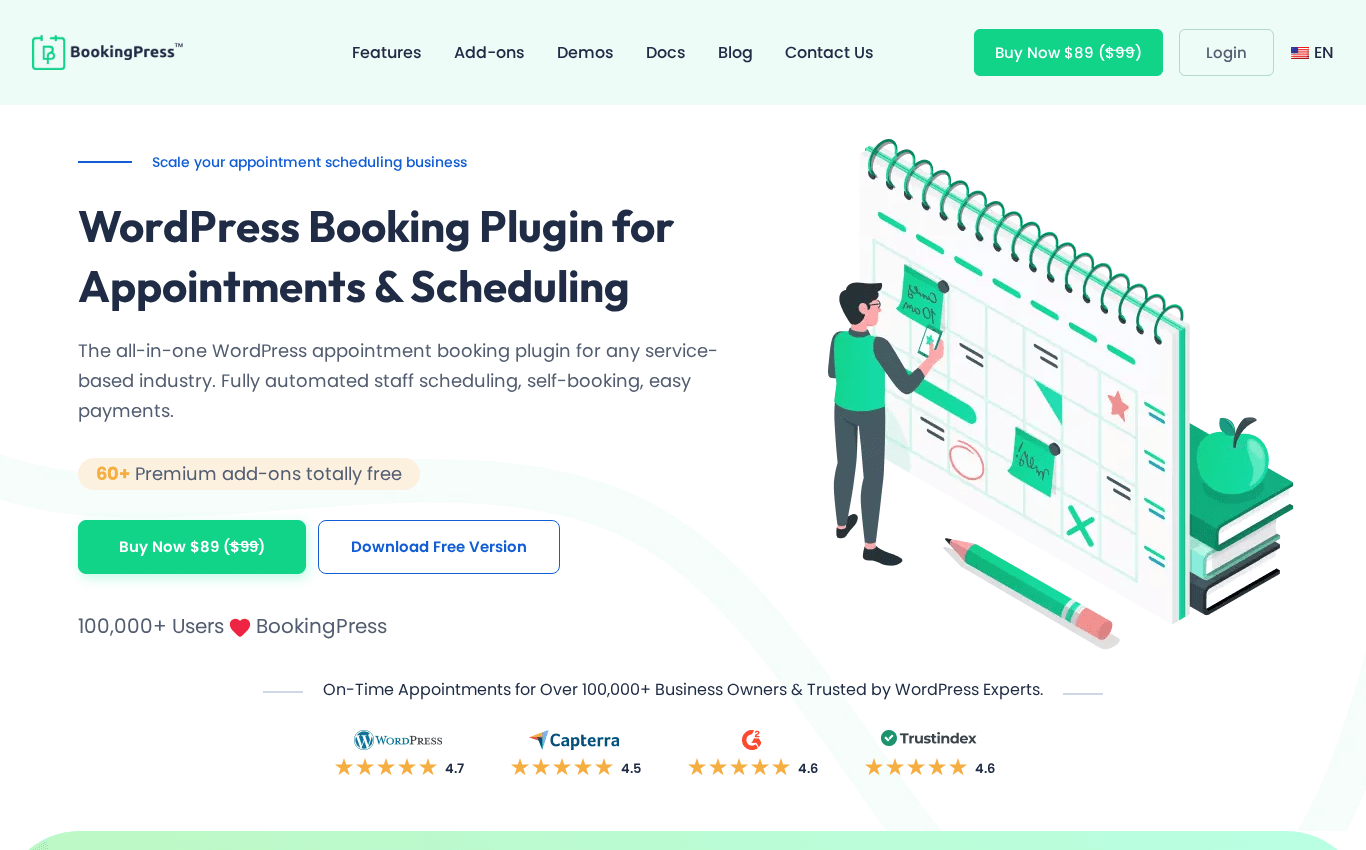
BookingPress homepage at bookingpressplugin.com.
It covers the standard appointment workflow well: services, staff, custom fields, multiple payment options, notifications, and customizable forms.
Best for: Small businesses that want a feature-rich plugin without paying per add-on.
Pricing: Lite version with limited features. The Standard plan is currently advertised at $89/year as a promotional price, with a regular price of $99/year for the smallest tier. Verified on bookingpressplugin.com on June 15, 2026.
Strengths:
Generous bundled features at the paid tier.
Many payment gateways supported.
Built-in custom fields and form options.
Trade-offs:
The free Lite version is fairly limited.
The plugin is currently sold and distributed outside of the WordPress.org directory, so updates flow through the developer site (and the plugin’s own in-app updater) rather than via the WordPress.org plugin directory.
4. Amelia: Best for mixing appointments with classes and events
Amelia is one of the better-known WordPress booking plugins, and it is especially useful for businesses that need both appointments and event-style bookings inside the same tool. Yoga studios, training centers, tutoring schools, and small event organizers tend to fit well.
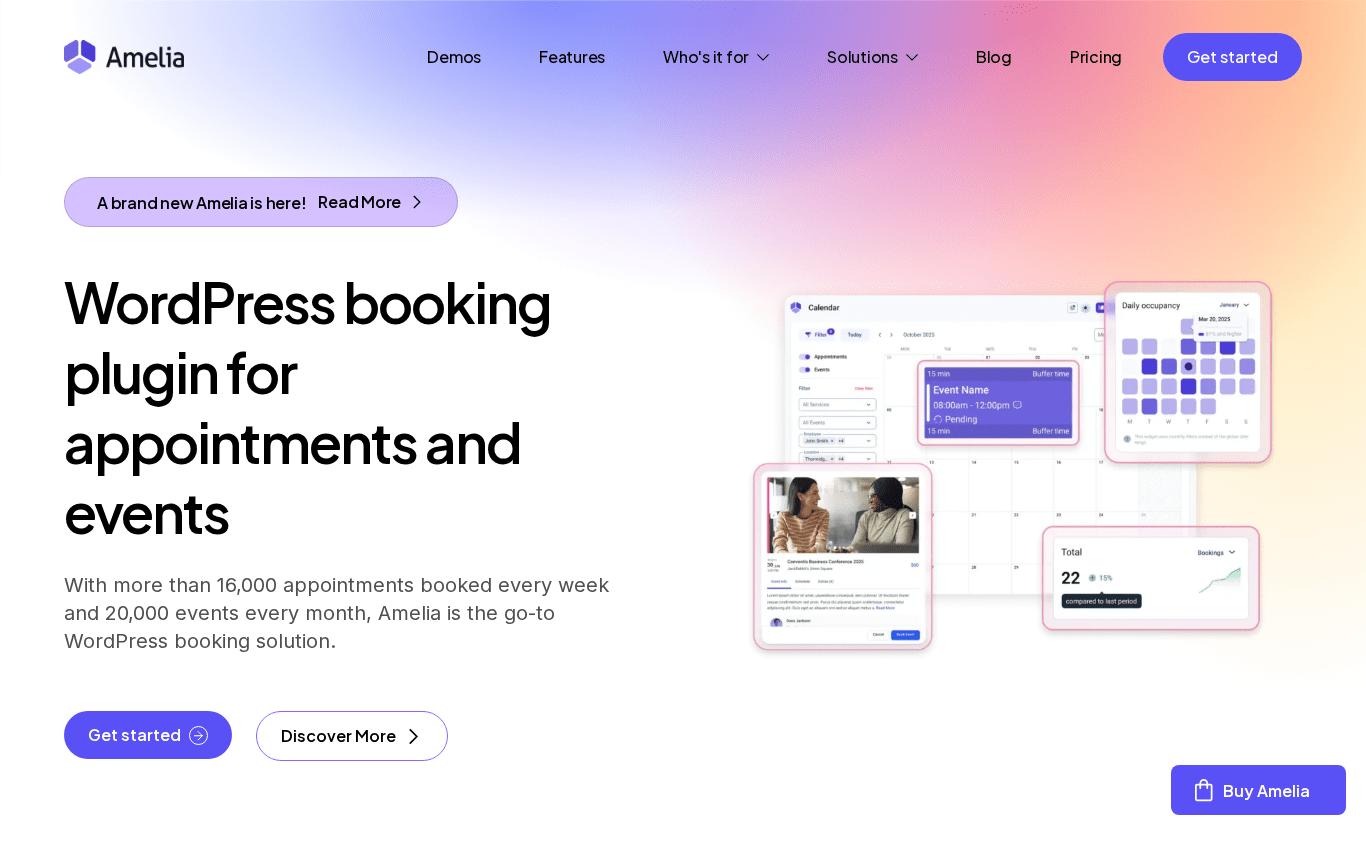
Amelia homepage at wpamelia.com.
The booking wizard is polished, the admin is reasonably clean, and the plugin supports staff, services, locations, and payments.
Best for: Service businesses that also sell classes, workshops, or ticketed sessions.
Pricing: Free Lite version on WordPress.org. Paid plans start from $49/year. Verified on wpamelia.com on June 15, 2026.
Strengths:
Combined appointments and event functionality.
Polished customer-facing booking forms.
Solid integrations with payments and calendars.
Trade-offs:
Pricing tiers can feel less friendly as you need more advanced features.
The deeper feature set can feel heavy for very small businesses.
5. Bookly Pro: Best free starting point with a modular add-on model
Bookly has been around for more than a decade. Many small businesses know it because the free Bookly core on WordPress.org gives them a zero-cost way to start taking bookings. Bookly Pro unlocks payments, unlimited staff, and the option to buy individual paid add-ons for specific features.
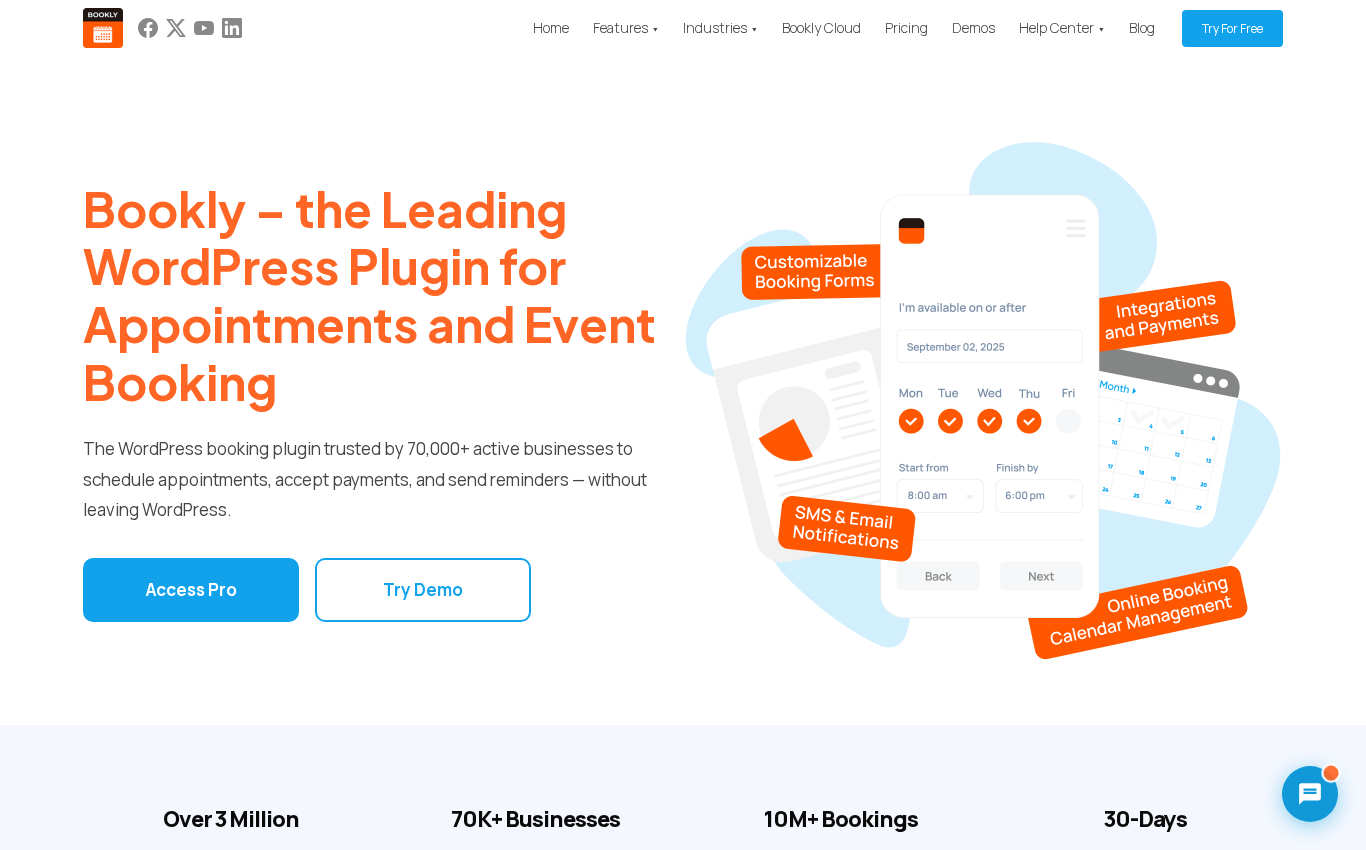
Bookly homepage at booking-wp-plugin.com.
This modular model is a strength for some owners and a friction point for others. You only pay for the pieces you want, but advanced setups can become more expensive than expected.
Best for: Small businesses that want a familiar plugin and a free entry point, and do not mind assembling features over time.
Pricing: Free Bookly core on WordPress.org. Bookly Pro is currently sold as an annual license: $49/year as an intro price and $89/year regular. Lifetime is available from around $129 (intro) or $189 (regular). Paid add-ons are sold separately on top of Pro. Verified on booking-wp-plugin.com on June 15, 2026.
Strengths:
Long market history and broad recognition.
Free core makes it easy to try.
Large catalog of optional add-ons.
Trade-offs:
Adding several add-ons quickly raises the total cost.
Some workflows feel dated compared to newer competitors.
6. MotoPress Appointment Booking: Best lightweight option for single-location businesses
MotoPress Appointment Booking is a lighter plugin from a known WordPress developer. The free Lite version on WordPress.org already allows multiple services, staff, and locations, which makes it easy to try without commitment.
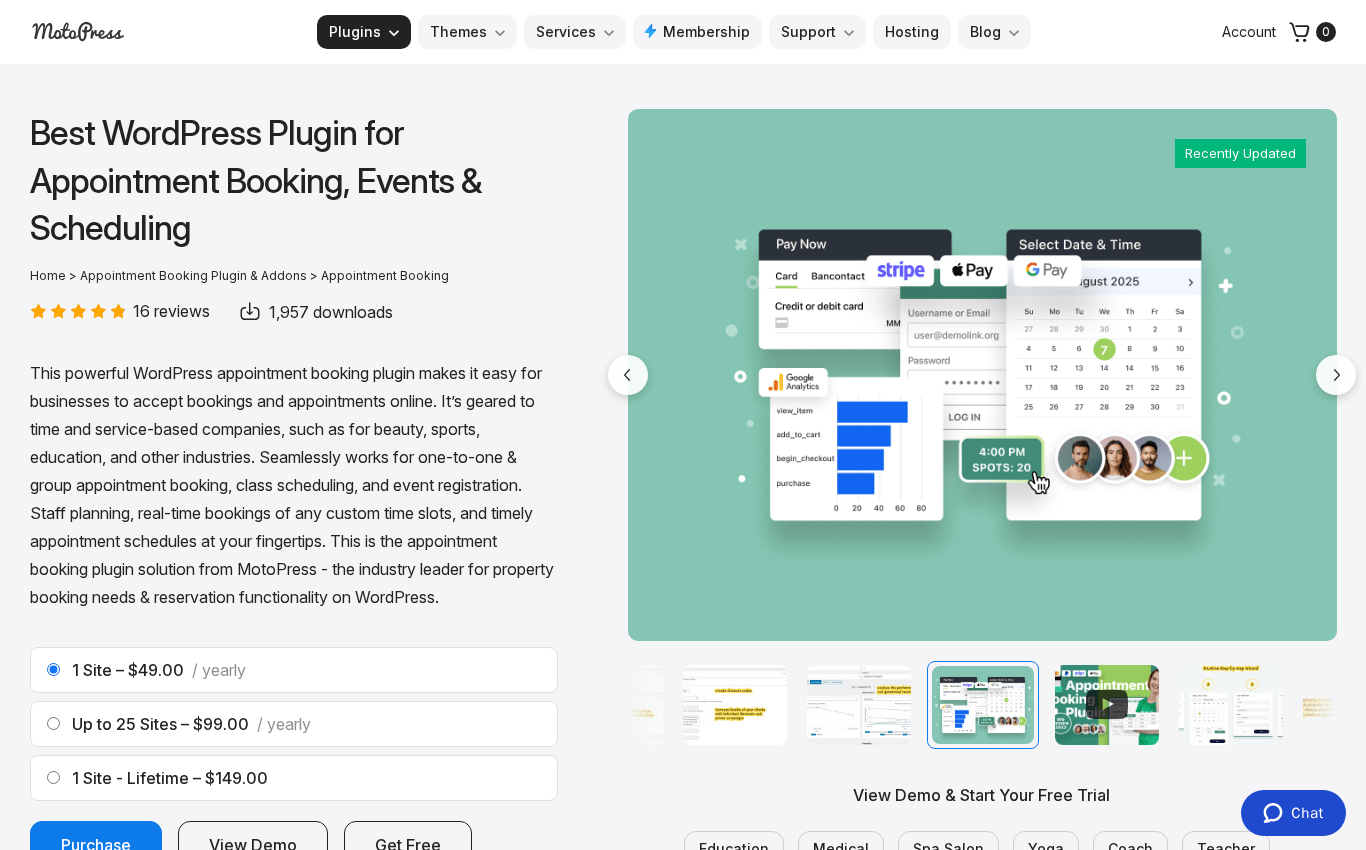
MotoPress Appointment Booking product page at motopress.com.
It does not try to compete on feature depth with Booknetic or Amelia. Instead, it focuses on the essentials: services, staff, schedules, notifications, and payments through the paid tier.
Best for: Solo practitioners and very small teams at a single location.
Pricing: Free Lite version on WordPress.org. The standalone single-site Pro plan starts at $49/year. Bundles with all add-ons and multi-site coverage are available at higher tiers, plus lifetime options. Verified on motopress.com on June 15, 2026.
Strengths:
Friendly free tier.
Lightweight setup.
Backed by an established WordPress products company.
Trade-offs:
Smaller add-on ecosystem.
Less customization than larger competitors.
7. Simply Schedule Appointments: Best for solo consultants and freelancers
Simply Schedule Appointments takes the opposite approach to the heavy all-in-one plugins. Instead of trying to cover every use case, it focuses on clean scheduling for consultants, coaches, lawyers, and other solo professionals.
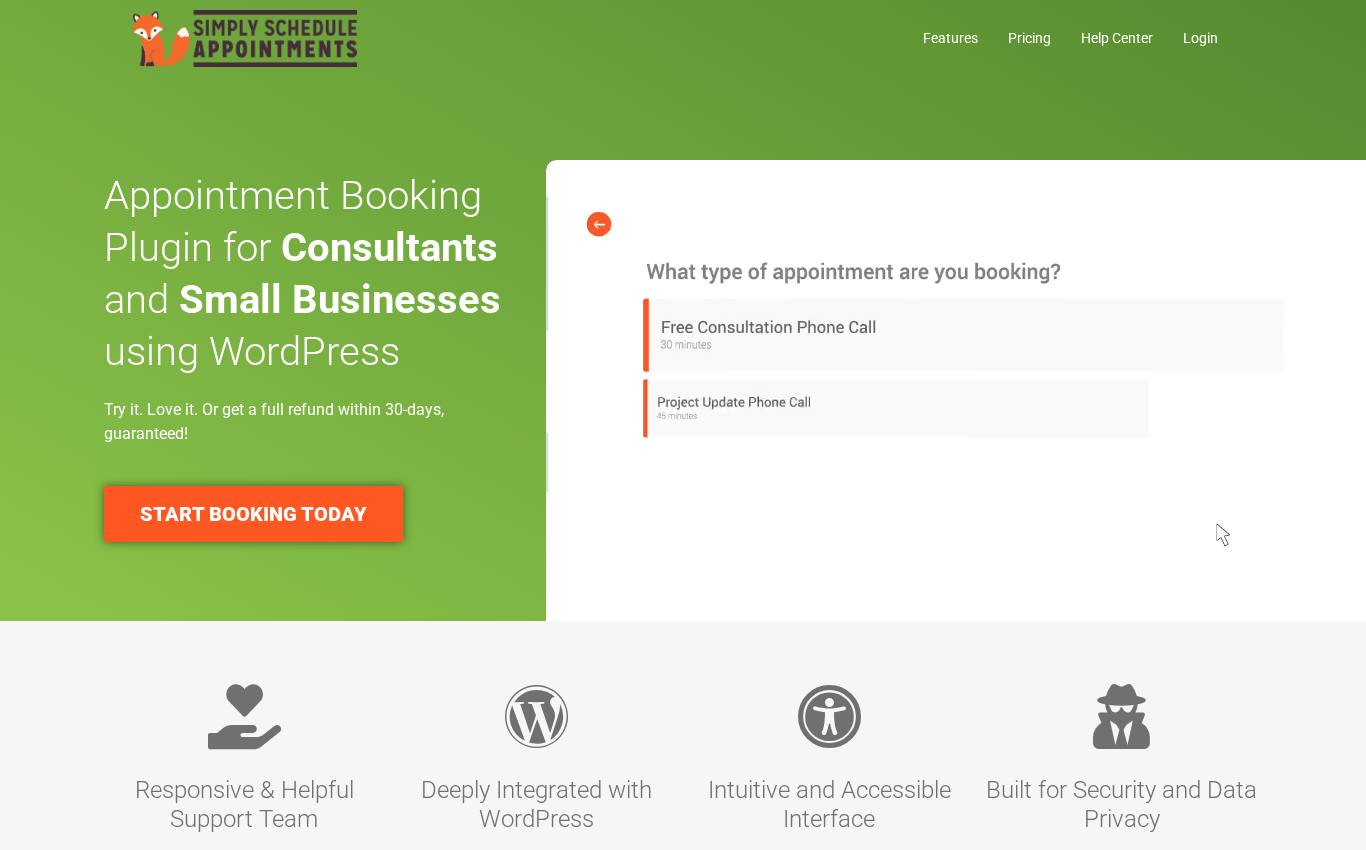
Simply Schedule Appointments homepage at simplyscheduleappointments.com.
The onboarding is quick, the booking experience is accessible, and the plugin plays well with most page builders.
Best for: Solo consultants, coaches, tutors, and freelancers with simple scheduling needs.
Pricing: Free Basic plan. Paid plans start at $99/year.
Strengths:
Very fast setup.
Clean, accessible booking forms.
Good fit for one-person businesses.
Trade-offs:
Limited multi-location and team-management features.
Not ideal once you need recurring series, complex pricing, or deeper operational controls.
8. Easy Appointments: Best for very basic scheduling at zero cost
Easy Appointments is a free WordPress.org plugin built and maintained by a single developer. There is no paid version, no commercial site, and no add-on ecosystem.
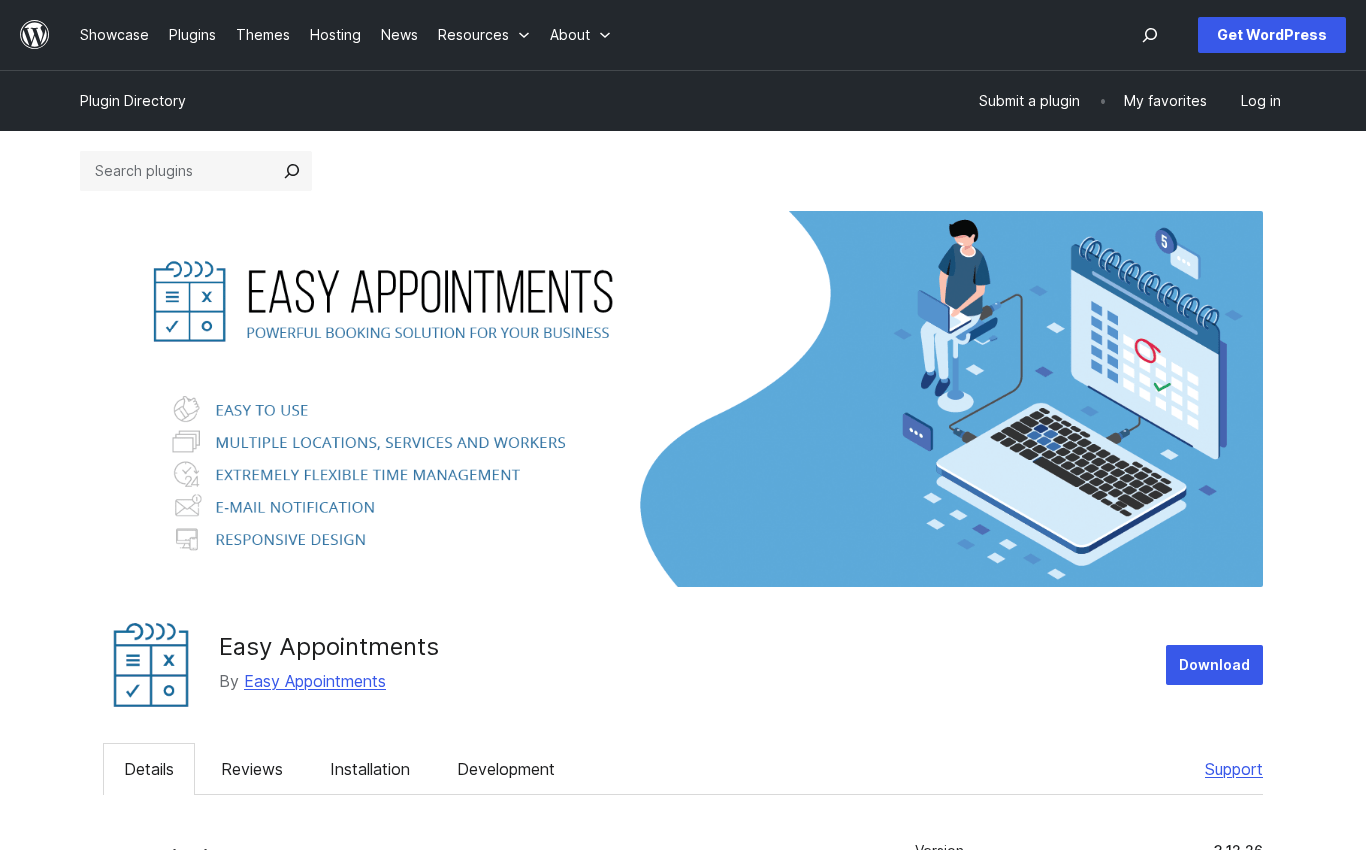
Easy Appointments listing on the WordPress.org plugin directory.
For a very simple booking page on a hobby site or a new business that has not validated paid software yet, it can be enough. For a real service business that needs payments, deposits, modern reminders, and steady updates, it is not the right pick.
Best for: Hobby use cases, very small operators, and side projects on a strict zero-budget setup.
Pricing: Free.
Strengths:
Zero cost.
Simple to install.
Trade-offs:
Dated UI.
No native payments, no SMS reminders, no rich integrations.
Update cadence is slow.
9. FluentBooking: Best if you already use the WPManageNinja stack
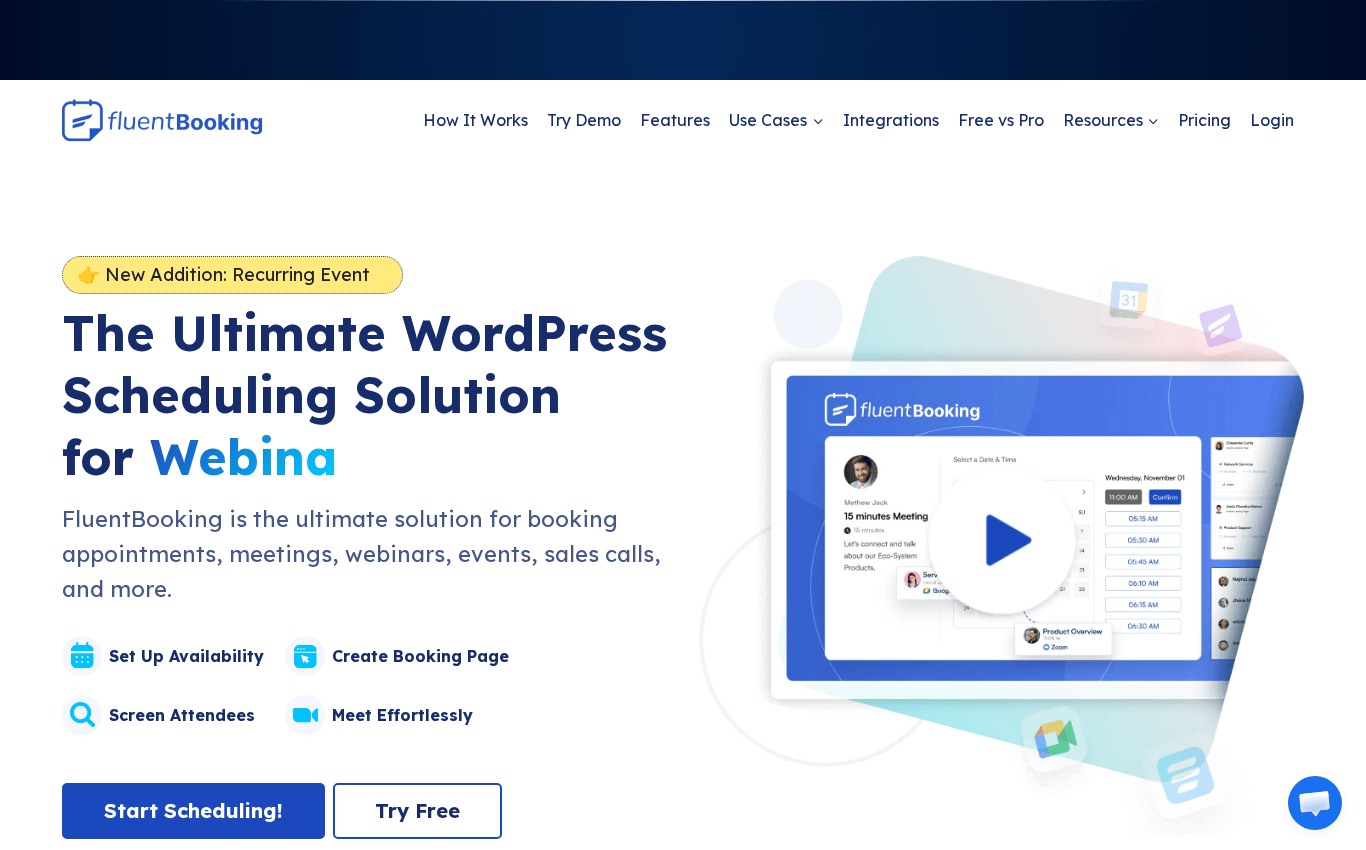
FluentBooking is the appointment booking plugin from WPManageNinja, the team behind FluentCRM, Fluent Forms, and Fluent Support. It is a Calendly-style scheduler that lives inside WordPress, and it is most powerful when you already use the rest of the Fluent ecosystem.
FluentBooking homepage at fluentbooking.com.
For small businesses that have committed to Fluent tools, this is a natural addition. For everyone else, it is a strong but younger competitor in a category that already has more mature options.
Best for: Owners already using FluentCRM or Fluent Forms, and teams that want a self-hosted Calendly replacement.
Pricing: Free version. Paid plans start at $99/year.
Strengths:
Tight integration with the wider Fluent ecosystem.
Reasonable price for a self-hosted Calendly alternative.
Active development and improvement.
Trade-offs:
Younger plugin in the appointments category.
Less depth than Booknetic or Amelia for multi-location services.
10. WP Simple Booking Calendar: Best for showing availability, not full booking workflows
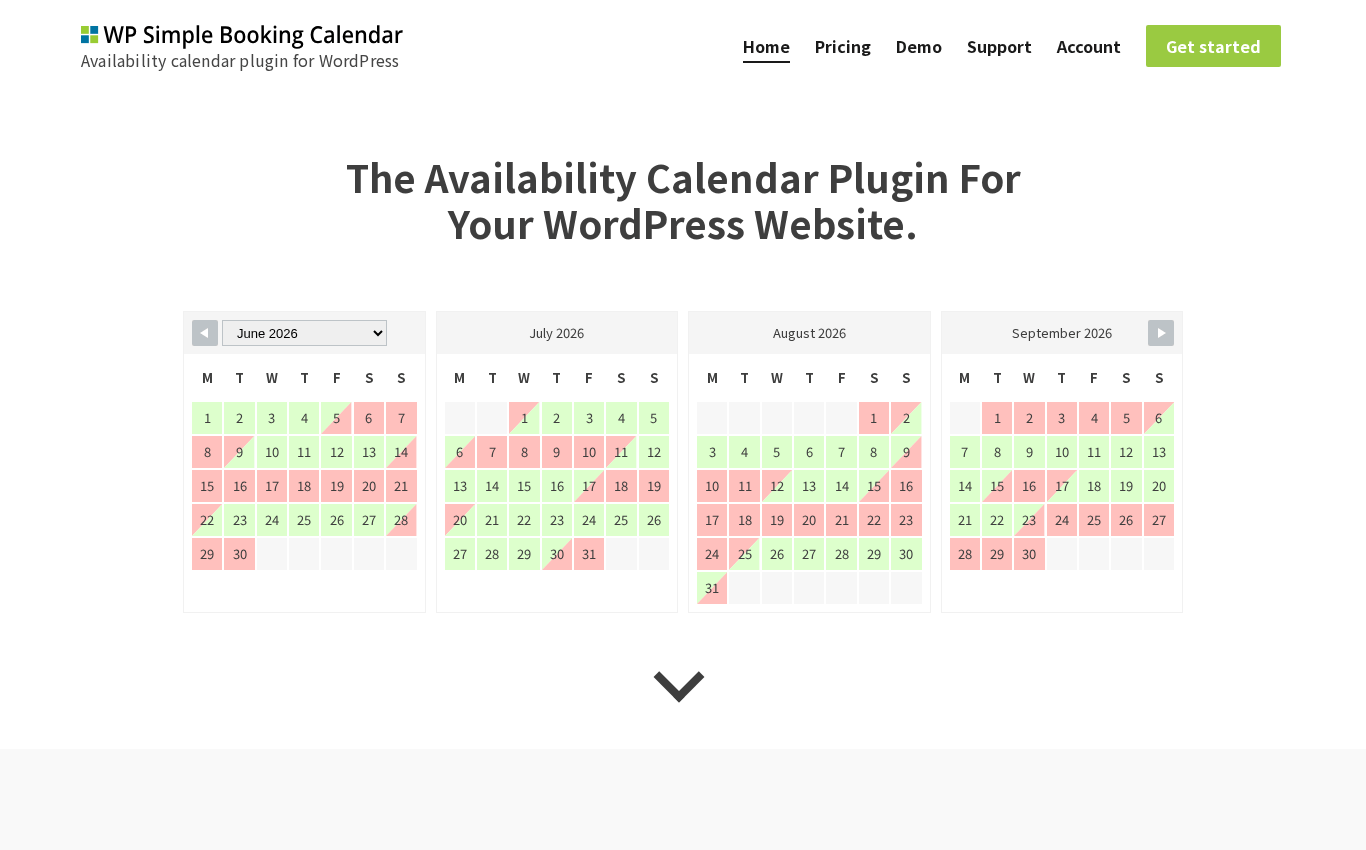
WP Simple Booking Calendar is a different kind of plugin. Instead of acting as a complete booking system with services, staff, and payments, it shows a calendar of availability for things like vacation rentals, classrooms, equipment, and rooms.
WP Simple Booking Calendar homepage at wpsimplebookingcalendar.com.
For some small businesses, that is exactly what they need. For a salon or clinic with real appointments, it is not enough on its own.
Best for: Rentals, room bookings, and resource availability views.
Pricing: Free version. Paid plans start at around $49/year.
Strengths:
Very simple calendar interface.
Easy to embed availability on a page.
Trade-offs:
Not a real appointment booking flow.
No native payments or staff system.
Which plugin should you choose by business type?
A single ranking only goes so far. The right plugin depends on what your business actually does day to day.
Salons, barbershops, beauty studios
Choose Booknetic if you want one plugin for booking, payments, staff schedules, deposits, reminders, and reporting. Choose LatePoint if you mainly want a clean booking widget for a single-location salon and a friendly admin.
Clinics, dentists, and healthcare practices
Choose Booknetic for a small clinic that needs custom forms, deposits, recurring appointments, and multiple practitioners on one schedule. Amelia is a reasonable second choice if you also run events such as workshops.
Fitness studios, yoga, and personal training
Choose Booknetic if you run group sessions, recurring memberships, and multi-staff schedules. Choose Amelia if classes and event-style bookings are as important as one-on-one sessions.
Coaches, consultants, tutors, and solo professionals
Choose Simply Schedule Appointments if you need clean one-on-one scheduling. Choose FluentBooking if you are already using Fluent Forms or FluentCRM. Choose Booknetic if you plan to grow into a multi-staff or multi-location business.
Local services such as repair, cleaning, photography, driving schools
Choose Booknetic if you need to manage staff, locations, deposits, and full payments inside WordPress. Choose LatePoint if you want a lighter setup with the same core building blocks.
Rentals, room bookings, and resource availability
Choose WP Simple Booking Calendar if you only need to show availability. For real bookings with payments and customer accounts, MotoPress Appointment Booking or Booknetic are stronger fits.
Owners on a strict zero-budget setup
Start with Easy Appointments or the free version of Bookly, LatePoint, MotoPress, or Amelia Lite. Plan to upgrade once your business has predictable revenue. Free tools are fine to start with, but they are usually not the long-term answer.
Final recommendation
Most small service businesses in 2026 are not really choosing between 10 plugins. They are choosing between two patterns.
The first pattern is “the lightest tool that still works.” A solo coach or a one-person studio can succeed with LatePoint, Simply Schedule Appointments, or even a free plugin, as long as they accept the ceiling.
The second pattern is “one plugin that grows with the business.” That is where Booknetic stands out. It covers payments, staff, multi-location, recurring appointments, deposits, reminders, custom forms, WooCommerce, and 50+ integrations inside one product. For a small service business that plans to grow, that is the lowest-friction setup we have seen in WordPress this year, which is why it is our top recommendation.
If you are not sure where you fit, start from the business-type guide above and shortlist two plugins. Test one weekend on each, and pick the one your team is happy to open every morning.
FAQ
What is the best WordPress appointment booking plugin for a small business in 2026?
For most small and local service businesses that need payments, staff schedules, calendars, reminders, and automation in one product, Booknetic is the strongest all-in-one pick. Lighter options such as LatePoint and Simply Schedule Appointments work well for very small teams and solo professionals.
Is a free WordPress booking plugin enough for a service business?
A free plugin can be enough at the very beginning, but most service businesses outgrow the limits within a few months. Once you need card payments, deposits, SMS reminders, and multi-staff scheduling, a paid plugin almost always pays for itself by reducing no-shows and admin work.
Do I need a SaaS booking tool or a WordPress plugin?
If you already run your business website on WordPress, a plugin keeps customer data, payments, and analytics on your own site. SaaS booking tools can be faster to start with, but they add a recurring monthly fee that scales with usage and keep your data on someone else’s platform.
Can WordPress booking plugins take real card payments?
Yes. The stronger plugins on this list support direct card payments through Stripe, PayPal, and other gateways, plus checkout through WooCommerce. Booknetic also supports 10+ native payment gateways and deposits.
Which plugin works best with Google Calendar?
Most modern booking plugins, including Booknetic, LatePoint, Amelia, BookingPress, Simply Schedule Appointments, and FluentBooking, support two-way Google Calendar sync. Confirm the exact sync direction (one-way or two-way) on the version and plan you are buying.
What should I avoid when choosing a booking plugin?
Avoid plugins that are abandoned, rarely updated, or sold only as a stack of expensive add-ons without a clear total price. Always check the last update date, the developer’s pricing page, and recent user reviews before committing.
5/5 - (1 vote)
Interesting with this topic? You also interest with this articles: