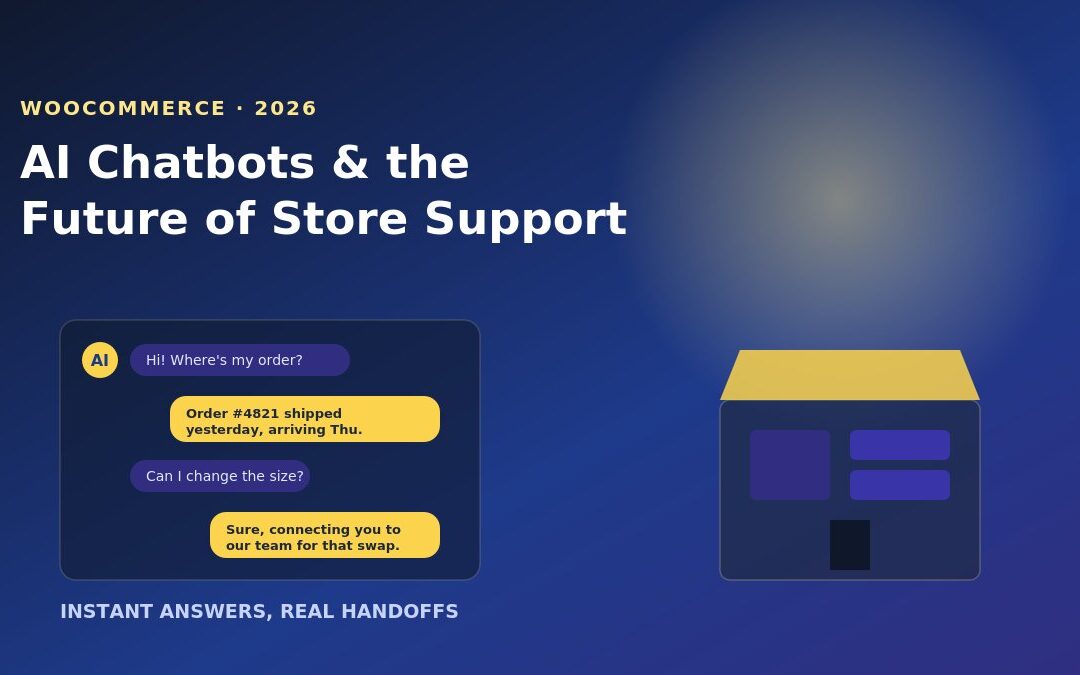
“Where’s my order?” is still the single most common message a WooCommerce store owner gets — and for years, answering it meant someone manually checking order status, copy-pasting a tracking link, and hoping the customer didn’t message again five minutes later. That’s the exact kind of repetitive, low-complexity question AI chat tools have gotten genuinely good at handling in 2026, and it’s why so many small WooCommerce stores have added one this year.
Here’s a clear-eyed look at what AI chatbots actually do well on a WooCommerce store, where they still fall short, and how to set one up without slowing your site down.
Why WooCommerce Stores Are Adopting AI Chat Now
Two things changed. AI chat tools got direct integrations with WooCommerce’s order and product data, so a bot can now pull a real order status or real stock level instead of giving a generic canned reply. And customer expectations shifted — shoppers increasingly expect an instant answer outside business hours, something a small team simply can’t staff around the clock.
For a store owner, the appeal is obvious: fewer repetitive tickets, faster response times, and support coverage on evenings and weekends without hiring a night shift.
What AI Chatbots Actually Handle Well
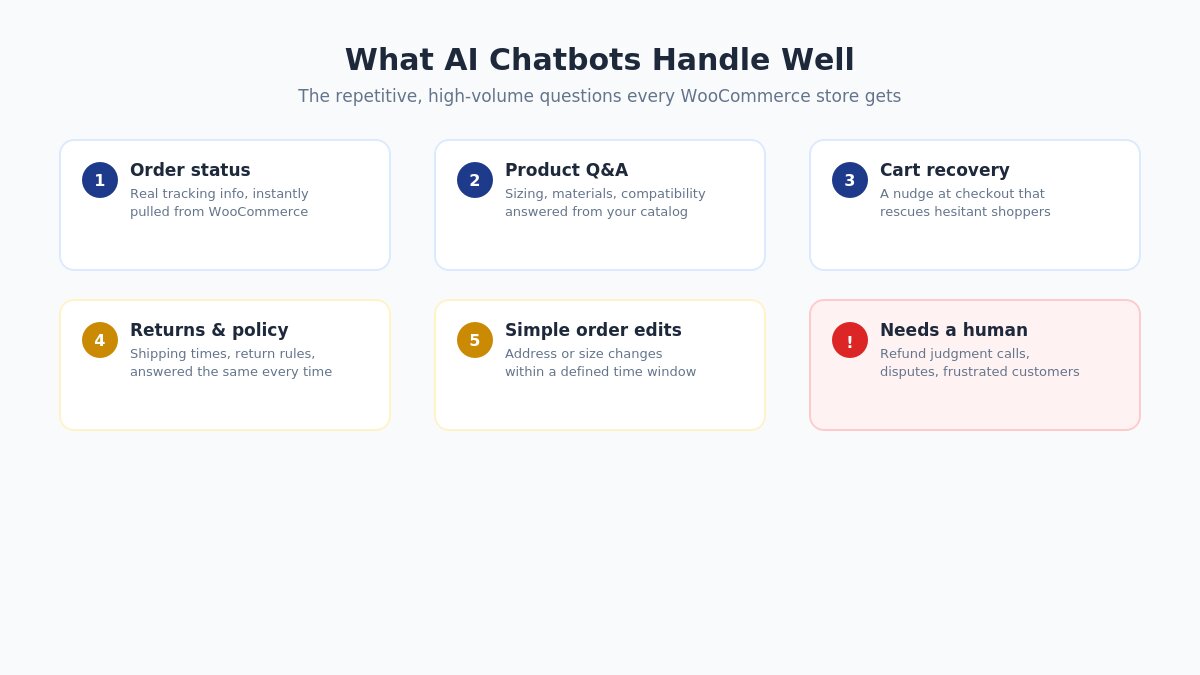
What AI chatbots handle well on WooCommerce stores infographic
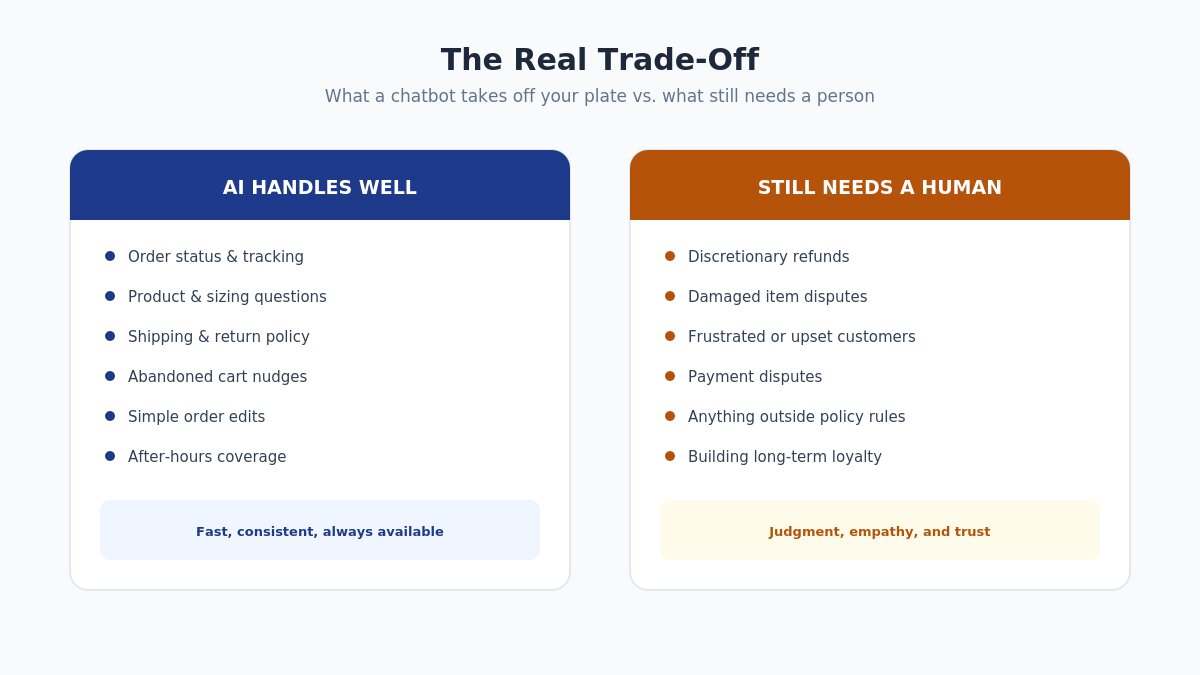
Order status and tracking. Connected directly to WooCommerce order data, a bot can answer “where’s my order” instantly and accurately, without a human touching it.
Product questions from your catalog. Sizing, materials, compatibility — anything already documented in your product descriptions or FAQ can be answered instantly, in the customer’s own words rather than forcing them to search your site.
Abandoned cart nudges. A chat prompt that appears when someone hesitates at checkout can recover sales that would otherwise silently disappear.
Returns and policy questions. “Can I return this?” and “how long does shipping take?” are asked constantly and rarely change — ideal for automation.
Order modifications within simple rules. Address changes or size swaps within a defined window, handled without a support ticket.
Where AI Chat Still Needs a Human
AI chat is confident, not infallible. It genuinely struggles with situations that require judgment: a damaged item that needs a discretionary refund, a frustrated customer who needs empathy rather than a policy quote, or anything involving a payment dispute. The stores that get the most value from AI chat treat it as a first line of triage — resolving the bulk of routine, repetitive questions automatically, and handing off everything else to a person with full context already attached, not a blank slate.
Getting that handoff right matters more than the AI itself. A bot that traps a frustrated customer in a loop of unhelpful answers does more damage to trust than having no chatbot at all.
Setting Up an AI Chatbot on WooCommerce
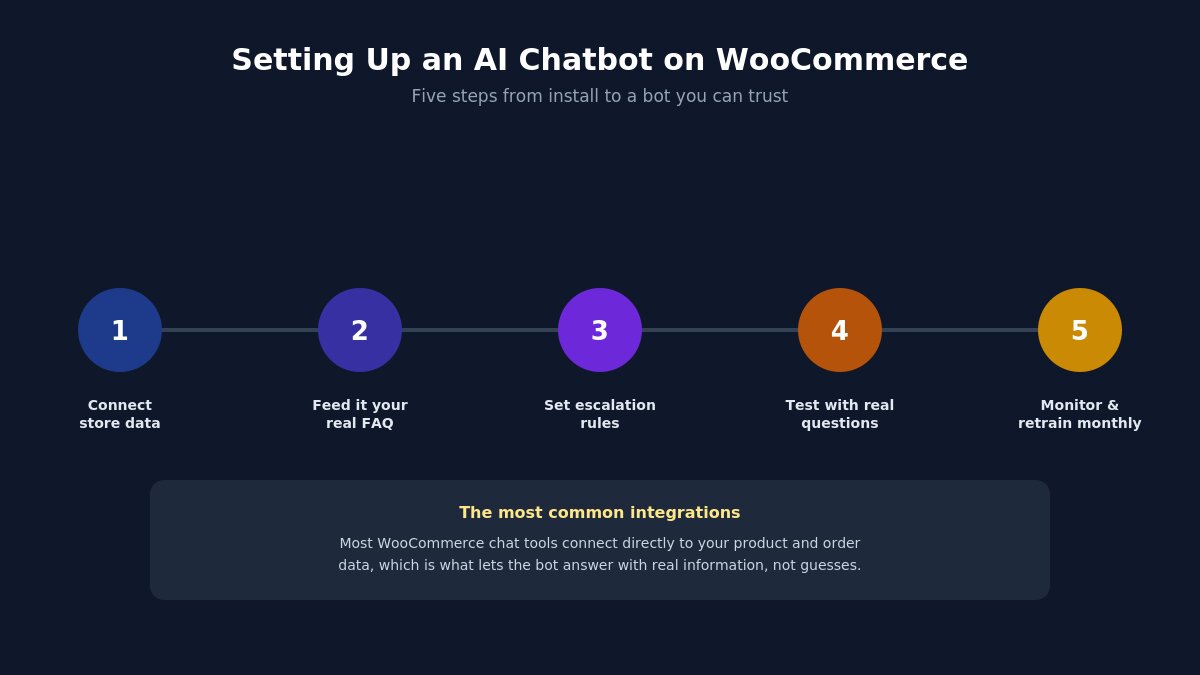
Steps to set up an AI chatbot on WooCommerce store
Connect your product and order data. Most WooCommerce-focused chat tools (Tidio, MxChat, and similar platforms) offer a direct WooCommerce integration — this is what lets the bot answer with real information instead of guessing.
Feed it your actual FAQ and policies. The bot is only as good as what it’s trained on. Upload your real return policy, shipping timelines, and sizing guides rather than relying on generic defaults.
Set clear escalation rules. Decide upfront what triggers a handoff to a human — refund requests over a certain amount, angry sentiment, or a customer explicitly asking for a person.
Test with real questions before launch. Run your actual most-common support tickets through it and check the answers for accuracy.
Monitor and retrain monthly. Review the conversations it couldn’t resolve and add that information to its knowledge base.
Common Mistakes to Avoid
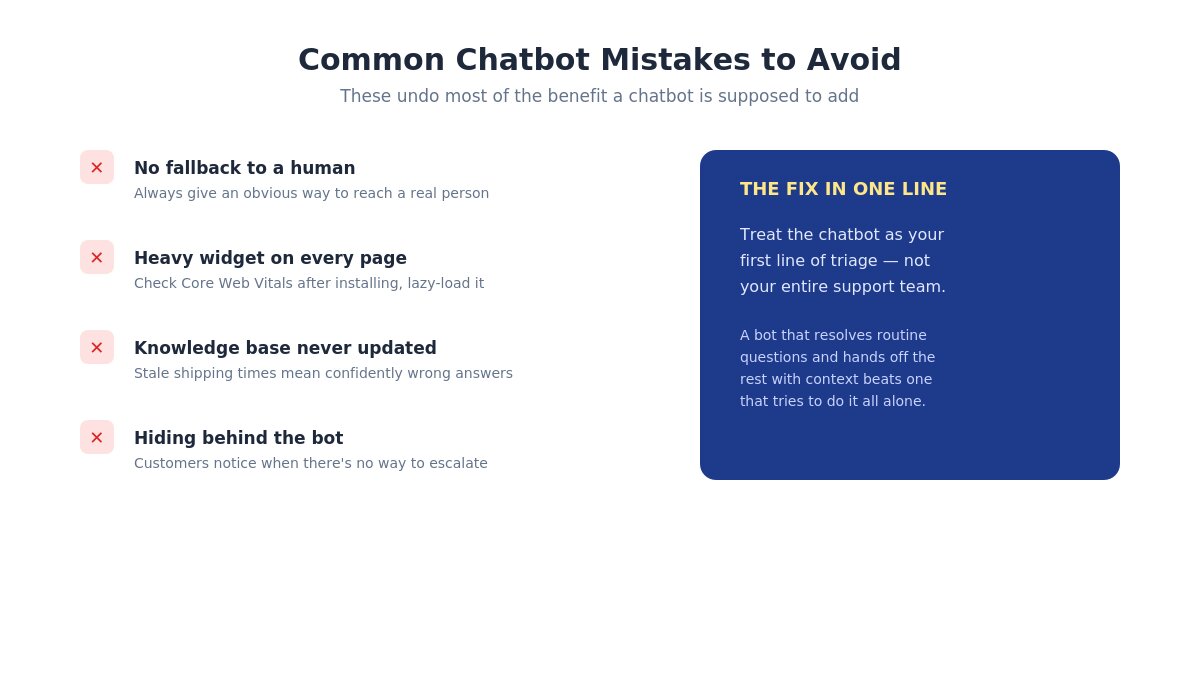
Common WooCommerce AI chatbot mistakes to avoid checklist
Launching with no fallback to a human. Always give customers an obvious way to reach a real person.
Loading a heavy widget on every page. Chat scripts can affect page speed — check Core Web Vitals after installing and lazy-load where possible.
Never updating its knowledge base. A bot trained on last year’s shipping times will confidently give wrong answers.
Using it to hide behind, rather than support, real service. Customers notice when a chatbot is the only option and there’s no way to escalate a real problem.
AI chatbot value summary for WooCommerce stores
Before you commit to a tool, it helps to see the trade-off in one place: what a chatbot takes off your plate versus what still needs a person. That’s the real decision, more than which specific platform you pick.
Frequently Asked Questions
Will an AI chatbot replace my WooCommerce support team?
For most stores, no — it replaces the repetitive share of tickets (order status, FAQs) and frees the team to focus on the complex, judgment-based ones instead.
Does adding a chatbot slow down my WooCommerce store?
It can if the widget isn’t optimized. Choose a tool that lazy-loads its script and check your page speed before and after installing.
Do I need technical skills to set one up?
Most WooCommerce chat tools are designed for non-developers, with guided setup and pre-built WooCommerce integrations — no custom code required for standard use cases.
Final Thought
AI chat isn’t about replacing the human side of your store — it’s about making sure the easy 80% of questions never have to wait for a human at all, so the people on your team spend their time where judgment actually matters.
Building or upgrading a WooCommerce store? Browse our WooCommerce WordPress themes built for speed and easy customization.
Hello everyone! We’re Galussothemes content team, we love to write new blogs for WordPress Joomla! and other tech niches everyday. We’re talented young people who hold a strong passion for website development, designing, and marketing. Feel free to leave your comment if you have any issues or questions with our blogs.
Interesting with this topic? You also interest with this articles: