The WordPress.org plugin directory lists thousands of WooCommerce extensions, and quality varies enormously — some of the most commonly recommended names have genuine, current problems worth knowing about before you install them. This list sticks to plugins that are widely used, actively maintained, and solve one specific, real problem for a growing store — and where a popular option currently has real issues, we say so directly rather than recommending it anyway just because it’s well-known.
This last point matters more than it might initially seem. Plugin recommendations circulate for years after they’re first written, and a plugin’s actual quality and reliability can shift meaningfully in either direction over that time — a well-maintained project can decline after a change in ownership or team, and a rough early release can mature into something genuinely solid. Checking current reviews rather than relying on a list’s reputation, including this one, is a habit worth building.
Each entry links directly to its real WordPress.org listing, with a genuine screenshot pulled from that same page, so you can check current ratings and reviews for yourself before installing anything.
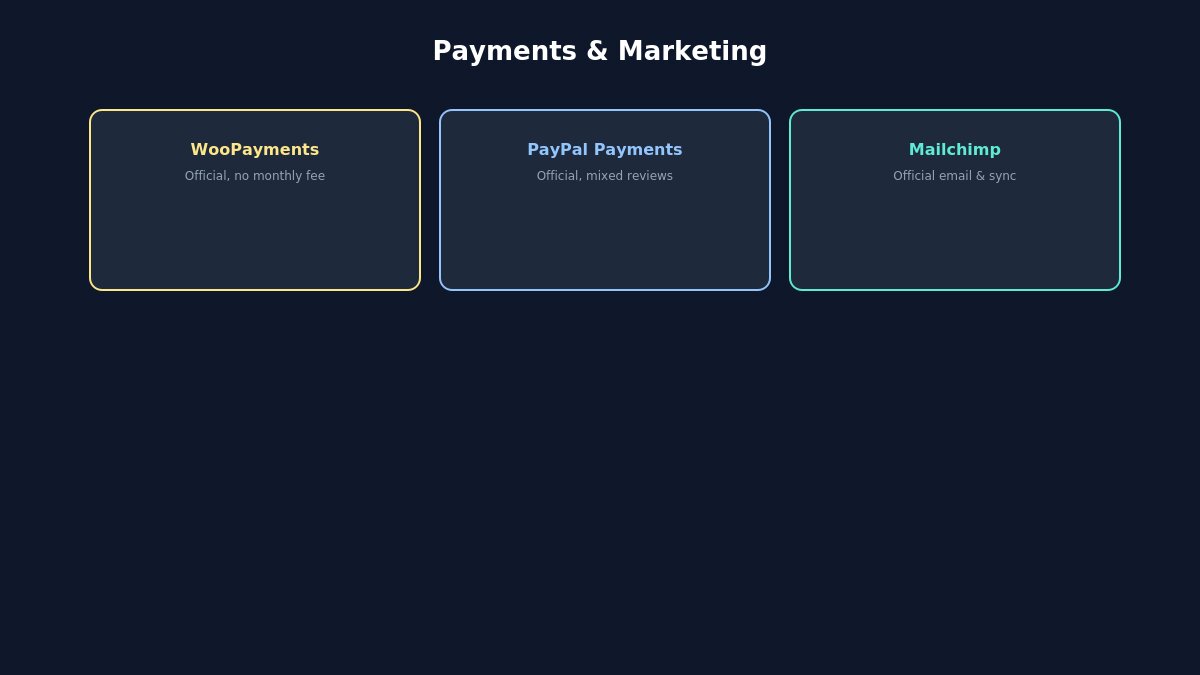
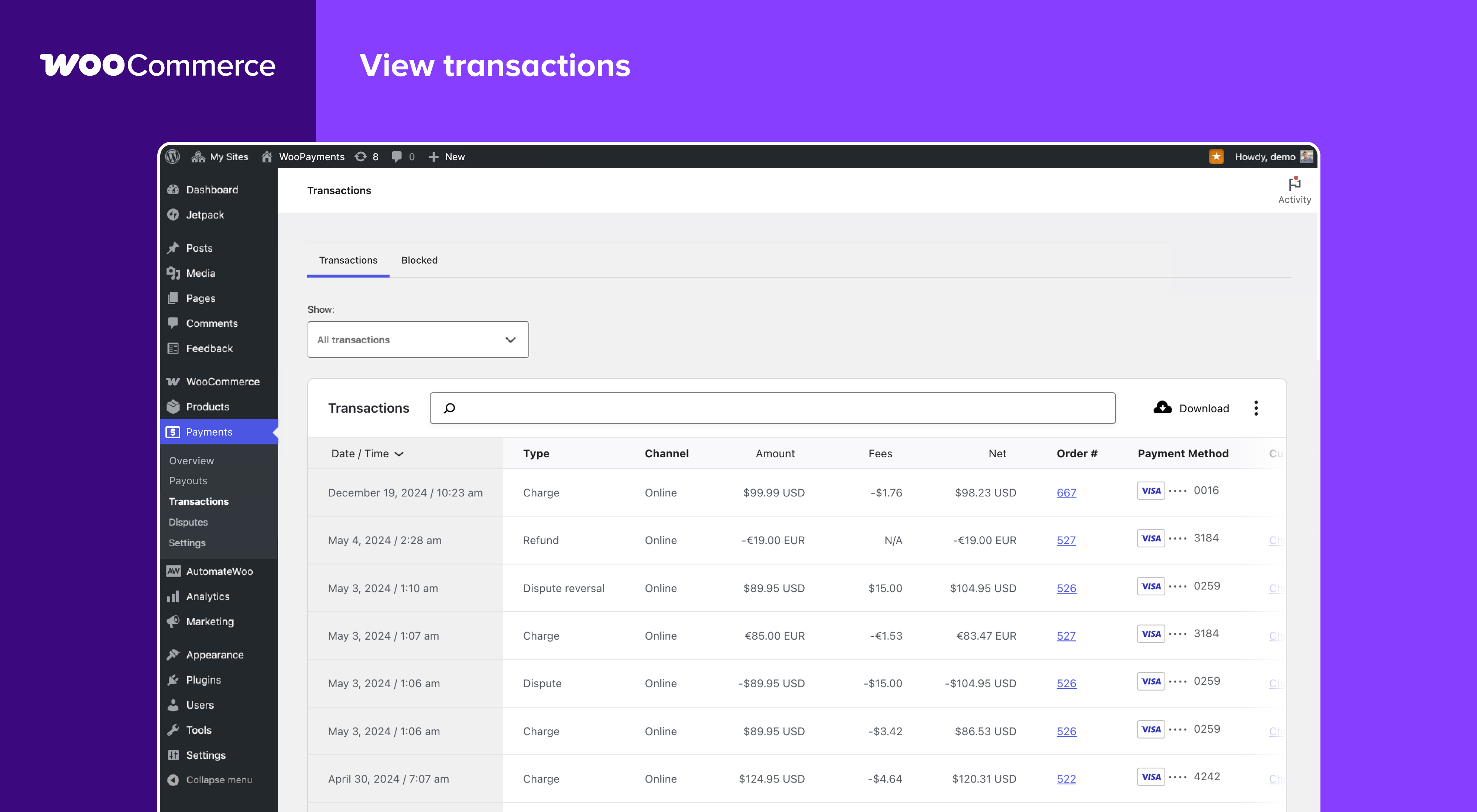
The official, built-in payment solution for WooCommerce, developed in partnership with Stripe and free to install with no monthly fees — you pay per-transaction rather than a recurring subscription. WooPayments brings transaction management directly into your WordPress dashboard: viewing payments, processing full or partial refunds, tracking payouts, and responding to disputes without switching to a separate payment processor’s website. It supports 135+ currencies across 38 countries with built-in multi-currency handling, and integrates with WooCommerce Subscriptions for stores running recurring billing.
The official PayPal integration for WooCommerce, supporting PayPal, Venmo (US), Pay Later, and both standard and advanced credit card processing from one plugin. Worth a direct, honest note here: the plugin currently carries a mixed rating (2.8 out of 5 as of this writing), with a meaningful share of recent reviews describing genuine checkout and payment-flow problems, particularly on mobile. It remains the most direct, actively maintained path to offering PayPal specifically, and support does appear to engage with reported issues — but test your actual checkout flow thoroughly across both desktop and mobile before relying on it fully, rather than assuming official-and-widely-installed automatically means trouble-free.
The official Mailchimp integration, syncing your customers and their purchase data automatically so you can send targeted campaigns, recover abandoned carts, and follow up post-purchase without manual list management. It requires WP_CRON to be active on your hosting for reliable syncing — worth confirming directly if data sync seems slow or stalled, since this is one of the most common causes of sync problems specifically with this plugin. The free tier covers the core sync and automation features, making it a reasonable starting point before considering a paid Mailchimp plan.
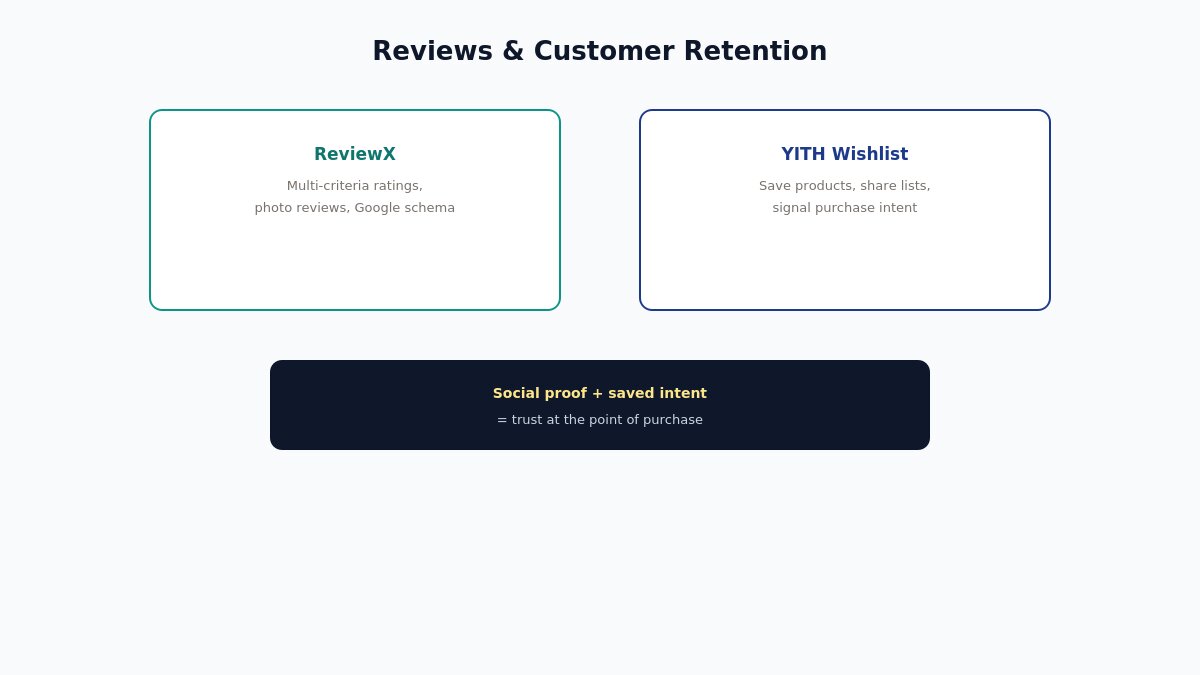
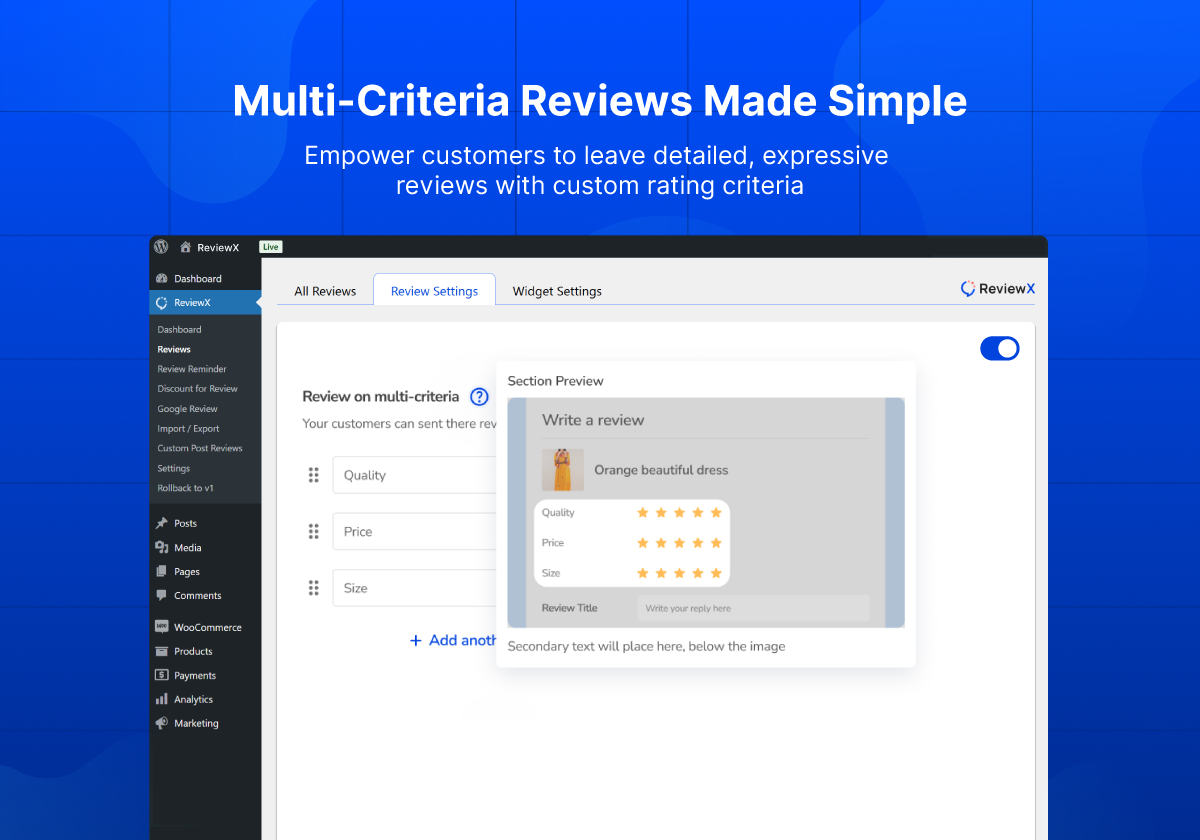
A dedicated WooCommerce review plugin built specifically for social proof and conversion, going meaningfully beyond WooCommerce’s built-in comment-based review system. ReviewX supports multi-criteria ratings (letting customers rate quality, value, and service separately rather than one blended star rating), photo attachments on reviews, automated review-reminder emails, and Google Rich Schema markup so your star ratings can appear directly in search results. It also includes a direct import tool for stores migrating from Judge.me, which is worth knowing if you’re switching review platforms rather than starting from zero.
The most widely installed wishlist plugin for WooCommerce, letting customers save products to revisit or share later — useful both as a genuine convenience feature and as a signal of purchase intent you can act on. The free version covers the core functionality: an “Add to wishlist” button on product and shop pages, a dedicated wishlist page, and social sharing so a shared wishlist can bring in new visitors. One thing worth configuring deliberately: the plugin’s wishlist-action URLs have been targeted by automated bot traffic on some sites, generating unnecessary server load — if you notice unusual traffic patterns after installing, checking your server logs for repeated requests to wishlist-related query parameters is a reasonable first troubleshooting step.
Choosing From This List Without Overloading Your Store
You don’t need all five. A reasonable starting point: one payment method beyond your default (WooPayments or PayPal Payments, not necessarily both, unless you have a specific reason customers need both options), a reviews plugin once you have enough completed orders to actually generate reviews worth showing, and a marketing integration once you’re ready to actively run email campaigns rather than just collecting addresses passively. A wishlist plugin is a lower-priority addition — genuinely useful, but worth adding once your core purchase flow is solid rather than as a first move.
Before installing anything, it’s worth checking the plugin’s current rating and recent reviews yourself, even for names that show up on every “best of” list — as the PayPal Payments and (excluded) Meta for WooCommerce examples above show, a plugin’s reputation can shift, and a name being widely recommended doesn’t guarantee it’s currently working well for everyone. Five minutes reading the most recent reviews, not just the overall star average, is a genuinely useful habit before adding anything to a live store.
It’s also worth testing any payment-related plugin specifically, rather than assuming it works because it installed without errors. Create a real test order, complete checkout on both desktop and mobile, and confirm the payment actually shows up correctly in your order management before considering the integration finished. The gap between “the plugin activated successfully” and “the plugin actually processes real customer payments correctly across every device” is exactly where the mixed reviews on plugins like PayPal Payments tend to originate — often the core flow works fine for most configurations, but a specific combination of theme, browser, and device surfaces an edge case that a quick admin-side test wouldn’t catch.
If you’re building a WooCommerce store that needs a solid foundation for the plugins above to work with, browse our WooCommerce-ready WordPress themes.
Plugin ratings, pricing, and features change over time — always check the current WordPress.org listing before installing.
Hello everyone! We’re Galussothemes content team, we love to write new blogs for WordPress Joomla! and other tech niches everyday. We’re talented young people who hold a strong passion for website development, designing, and marketing. Feel free to leave your comment if you have any issues or questions with our blogs.
Interesting with this topic? You also interest with this articles: